
What this connection does
Connecting a class to instructors on Admin → Appointments → Connect tells the system who is eligible to provide that service. When a customer picks the class in the appointment flow, the instructor step only shows the connected instructors.
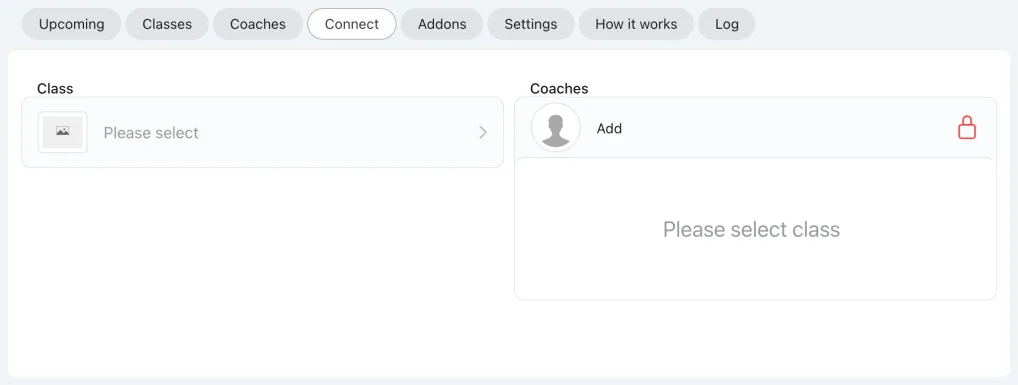
How to connect
- Go to Admin → Appointments → Connect.
- Pick the class from the class picker, then tick the instructors who should appear when customers select it.
- Save.
If the class is set to "no instructor required", the instructor list does not appear — the class connects directly without instructor selection.
