AI Overview

AI is built into Omcean Booking to help your team understand the business, complete everyday work, and support customers. Ask questions in natural language, act on live booking data, and deliver instant answers on your website, custom domain, and LINE

  • Ask questions and complete admin work through a natural conversation
  • Explore live business data with reports, tables, charts, and focused table assistance
  • Give customers instant AI-powered answers on your website, custom domain, and LINE

No credit card needed

Arrow
Download on the App StoreGet it on Google Play
AI Overview

The right AI for every moment

Move from business-wide questions to focused record work and customer conversations without leaving Omcean Booking.
Understand the whole business
0

Understand the whole business

Use AI Assistance for cross-business questions, setup, analysis, and admin workflows.

Work with what is on screen
0

Work with what is on screen

Use AI Table Assistance when the relevant table or records are already open.

Support every customer
0

Support every customer

Train and brand the customer chatbot in Omcean Booking, test it safely, then enable it on your website, custom domain, or LINE.

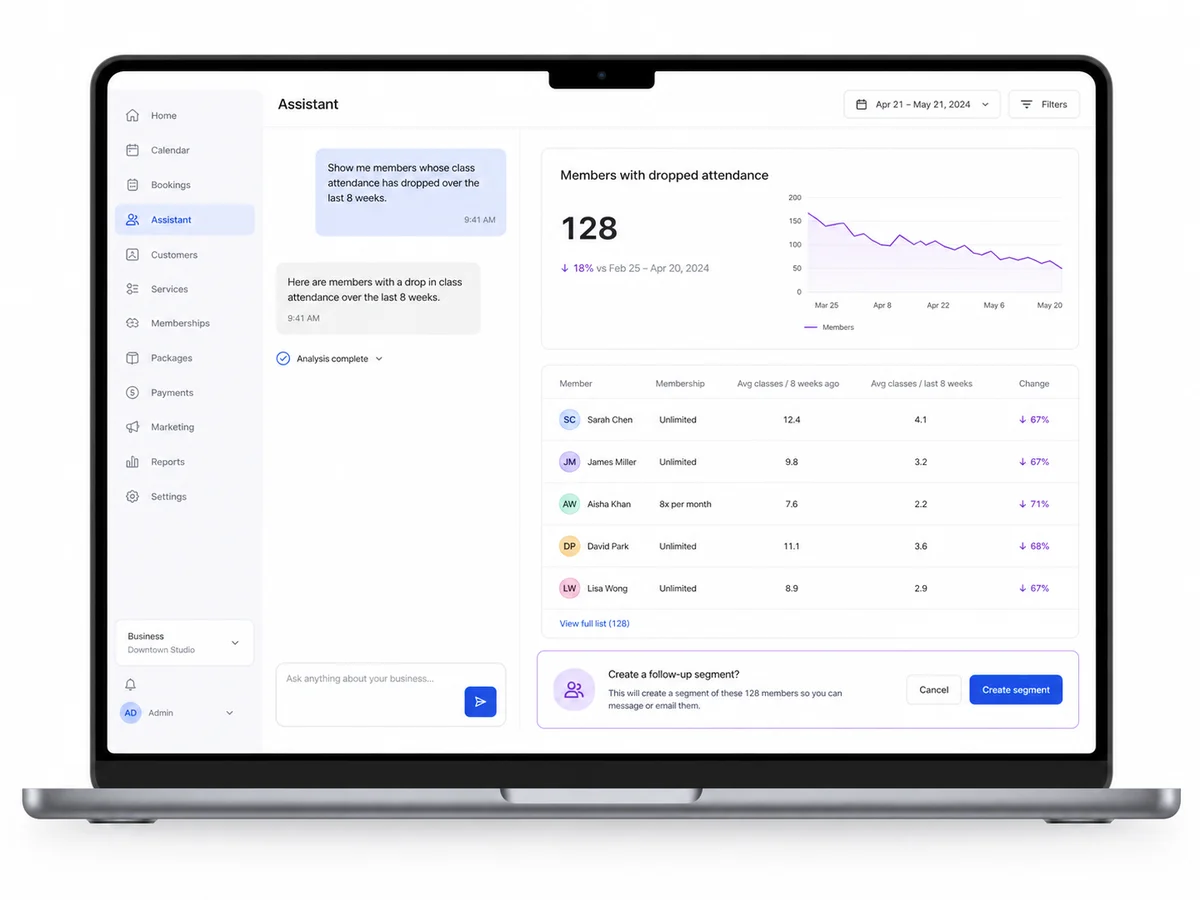
AI business assistant turning an attendance question into a report and a confirmed follow-up action

A business assistant that understands your operation

AI Assistance works across Omcean Booking, so you can ask business-wide questions instead of hunting through menus and reports. Use it to guide setup, explain how a feature works, review customer or booking activity, build an analysis, and help complete supported admin tasks.

  • Ask follow-up questions in the same conversation
  • Turn live system data into readable tables, charts, and key figures
  • Attach a file or image when extra context is useful
  • Choose a name, avatar, and personality for your business assistant
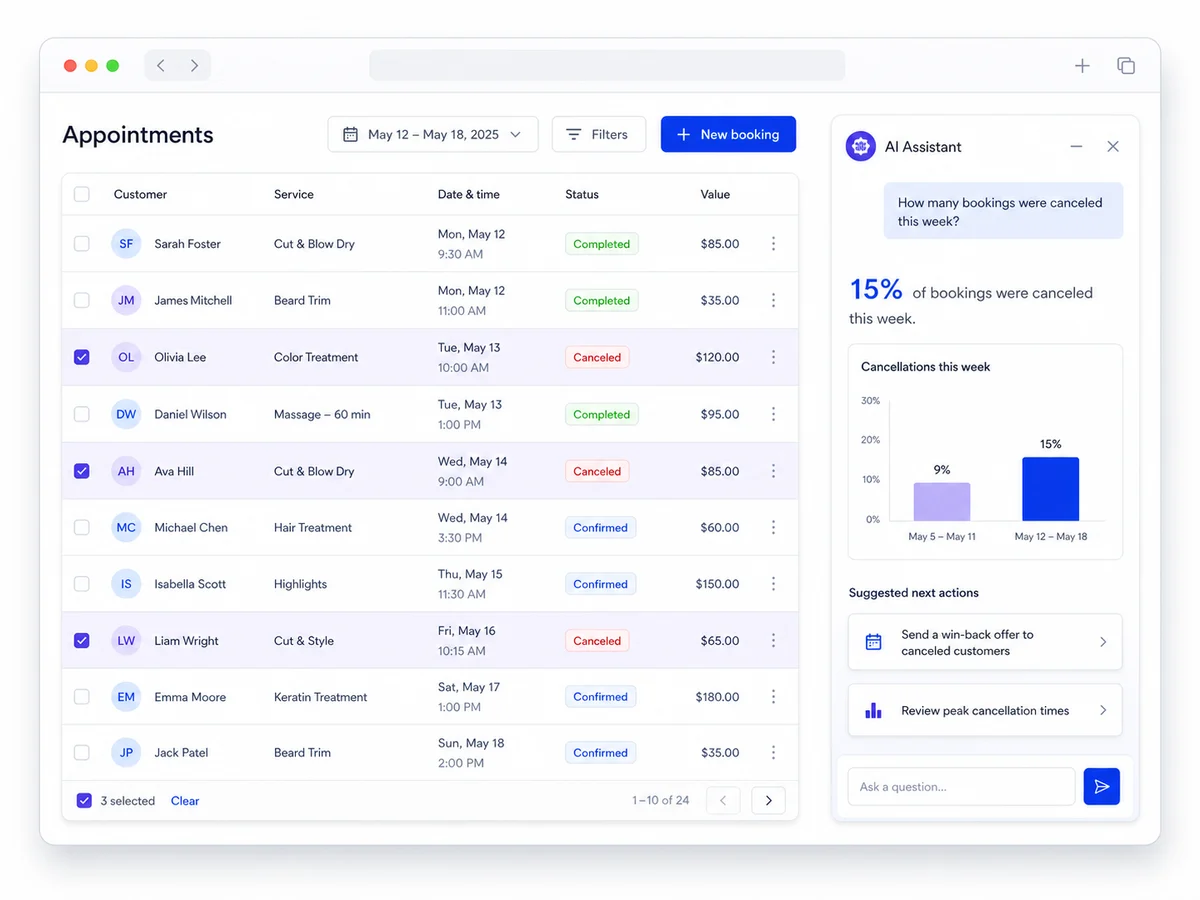
AI Table Assistance analyzing cancellation records beside an appointments table

Focused help inside your tables

AI Table Assistance starts with the page and records you are already viewing. That makes it ideal when you want to filter, compare, explain, or act on a specific set of customers, classes, appointments, passes, or other visible records.

  • Ask detailed questions without repeating which table you mean
  • Drill into the records and columns relevant to the current task
  • Keep the answer beside the operational context that produced it
  • Use the same account permissions and safety checks as the wider assistant
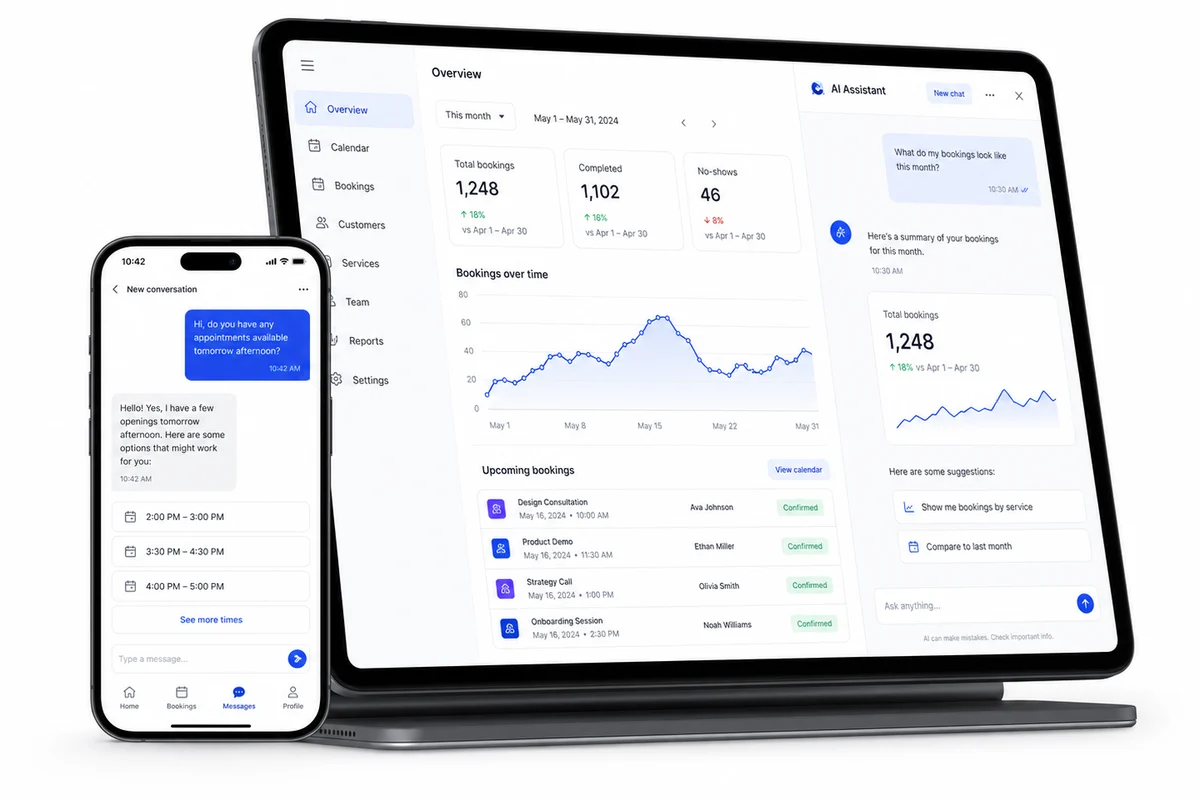
Omcean Booking dashboard with AI-generated booking insights, charts, and suggested actions

From a question to a confident decision

Ask precise operational questions such as which classes are growing, which members have stopped attending, how revenue changed, or which passes recently expired. The assistant can combine filters such as date range, class, instructor, location, attendance count, or pass status to produce a useful result—not just a broad summary.

Important changes remain controlled: the assistant follows your account permissions and asks for confirmation before supported actions that need approval.

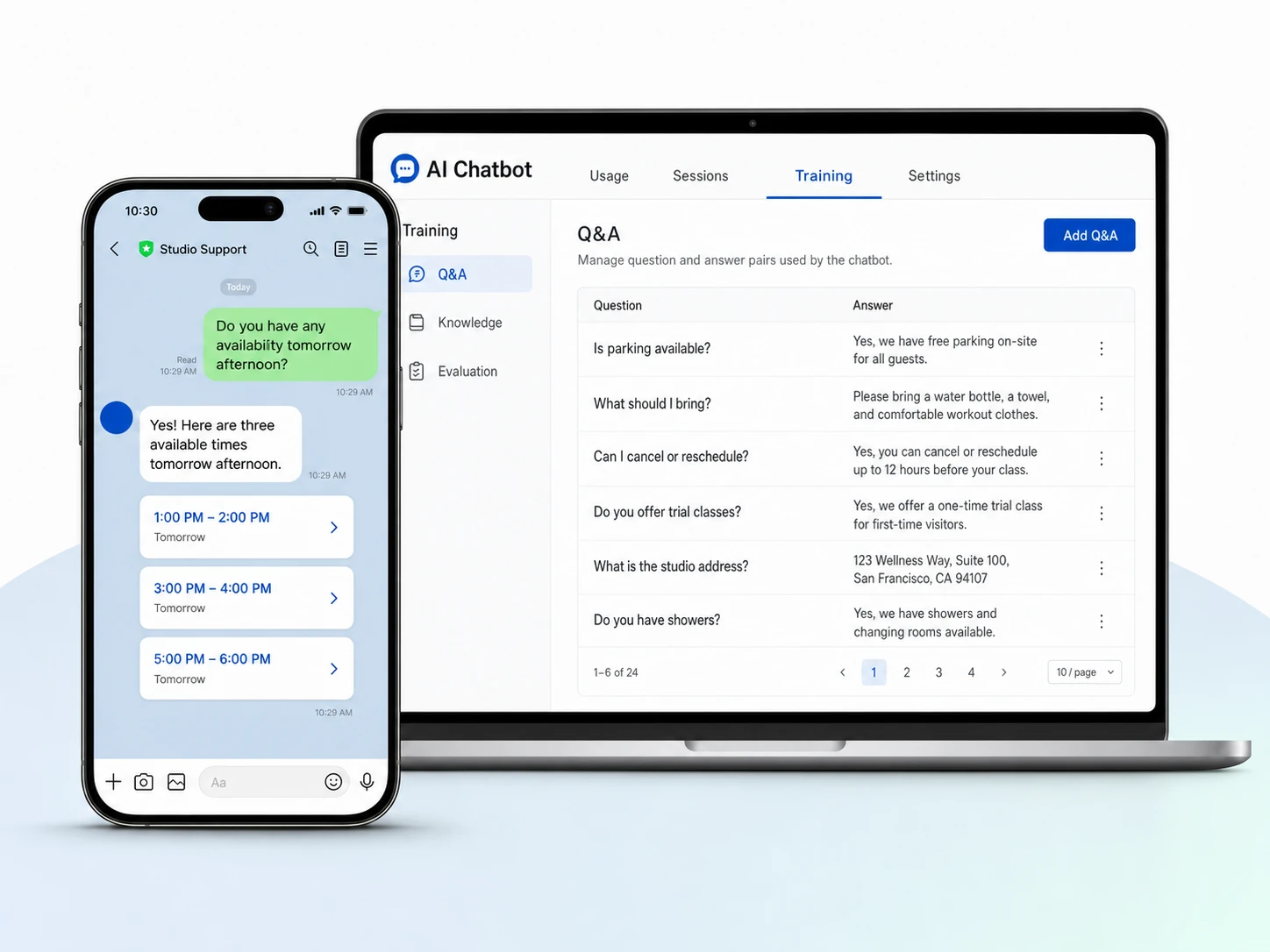
AI Chatbot training controls beside a customer conversation with bookable appointment times

Customer conversations powered by live booking information

Your customer-facing AI is separate from the admin assistant. Give it a name, avatar, and personality; train it with exact Q&A and multiple named Knowledge entries; then evaluate responses before enabling customer channels.

  • Answer questions about schedules, services, prices, and passes
  • Use live booking and signed-in customer information where permitted
  • Appear on the OceanBooking website or a custom-domain website
  • Answer LINE messages when AI Linebot is enabled

Connect with our consultant

Send us a message and we'll respond within 24 hours

Try the Booking System for 7 days

All Features Included

7 DAYS FREE$
  • Unlimited bookings
  • All AI features included
  • 🌐Your own branded booking website

No credit card needed

Arrow