
When to use Q&A
Use Q&A when customers ask a recognizable question and your business wants a specific answer. Good examples include parking, what to bring, age requirements, arrival time, cancellation rules, trial-class policies, and accessibility.
Keep changing information such as schedules, availability, prices, and passes out of Q&A. The chatbot reads those values live from Omcean Booking.
Add and manage an answer
- Go to Admin → Custom Features → AI Chatbot → Training → Q&A.
- Select New.
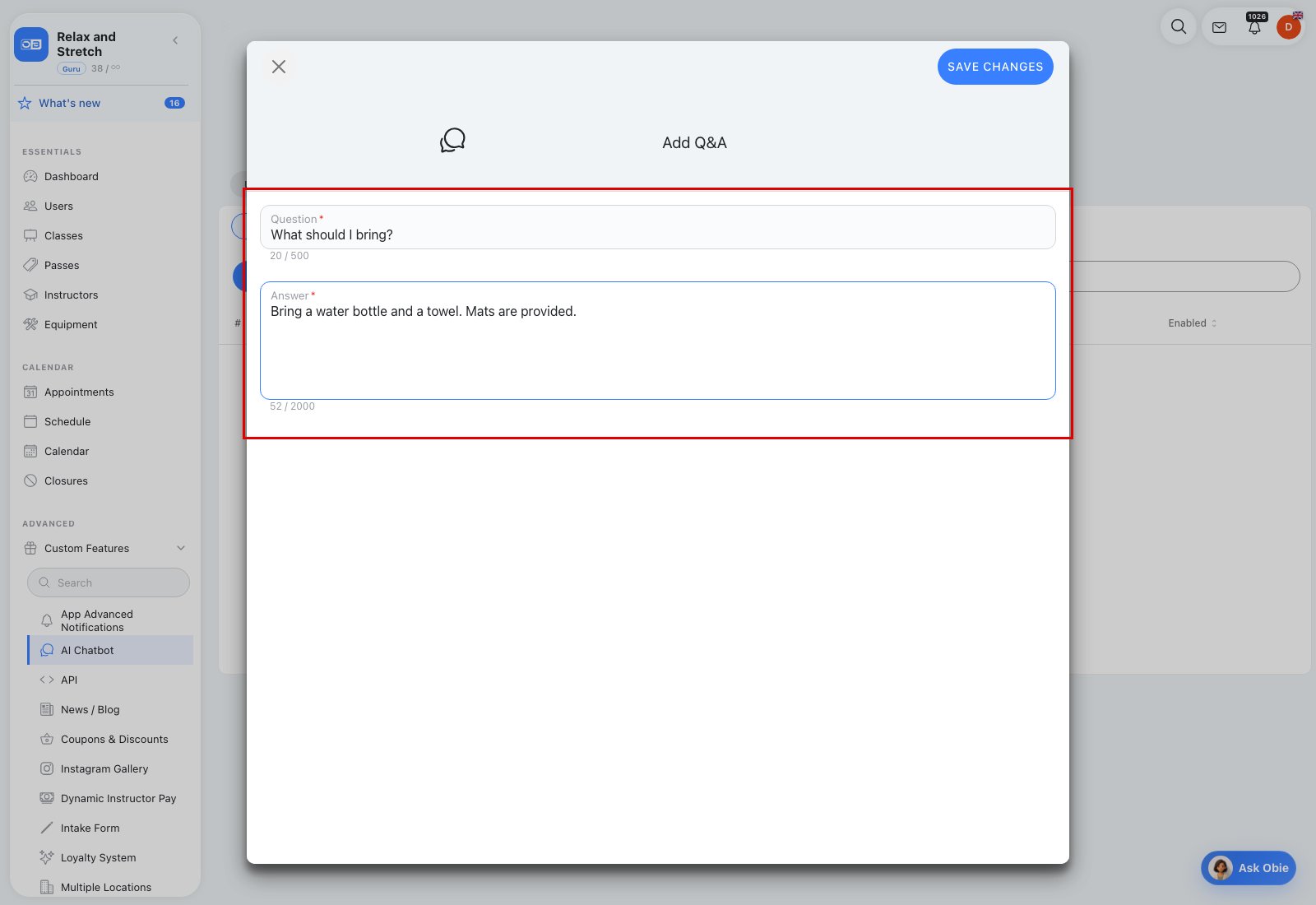
- Enter the customer Question in up to 500 characters.
- Enter the preferred Answer in up to 2,000 characters.
- Save the entry.
The table shows Question, Answer, and Enabled. Use the row menu to edit or delete an entry, or use the Enabled switch to temporarily remove it from the chatbot without deleting it. Search and Refresh are available above the table. A business can keep up to 50 non-deleted Q&A entries.
Write answers that test well
- Write the question in the words customers actually use.
- Make the answer complete enough to stand on its own.
- Separate unrelated policies into different entries.
- Avoid instructions that ask the chatbot to ignore its rules or expose private data; unsafe training text is rejected.
After every important change, open Evaluation and try the original question plus two or three natural variations.
