📣 New OB app version (12.02) is now available to be downloaded!
(The latest version for Branded Apps is 12.01.)Please open Google Play or App Store to get the latest version.
Updates on v12.02
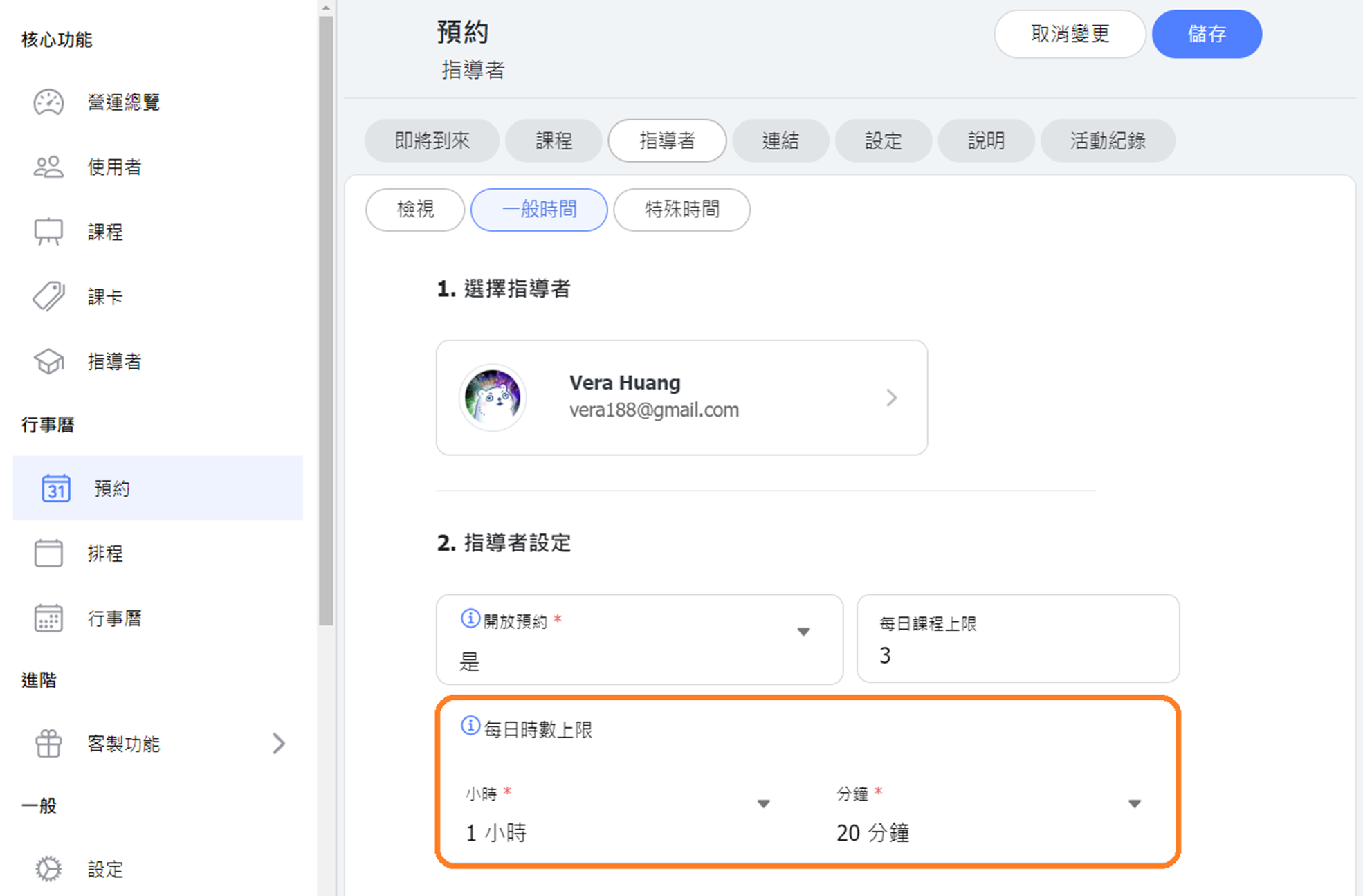
- 【Scheduling Module】 Added a "Daily Time Limit" setting for instructors. When the daily limit is reached, further bookings will not be allowed. (Currently visible only on the web version, but the set hour limit will still apply to the app.)
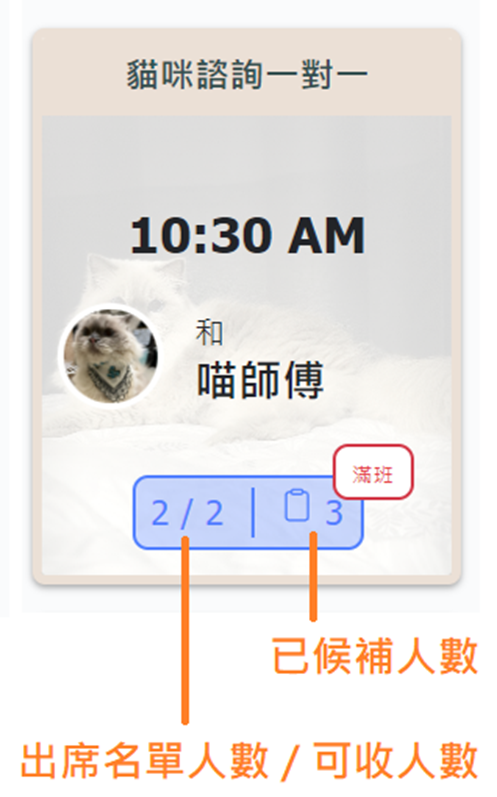
- 【Calendar】 Added waitlist information to the attendance details. If a class has a waitlist, the number of people on the waitlist will be shown next to the attendees number.
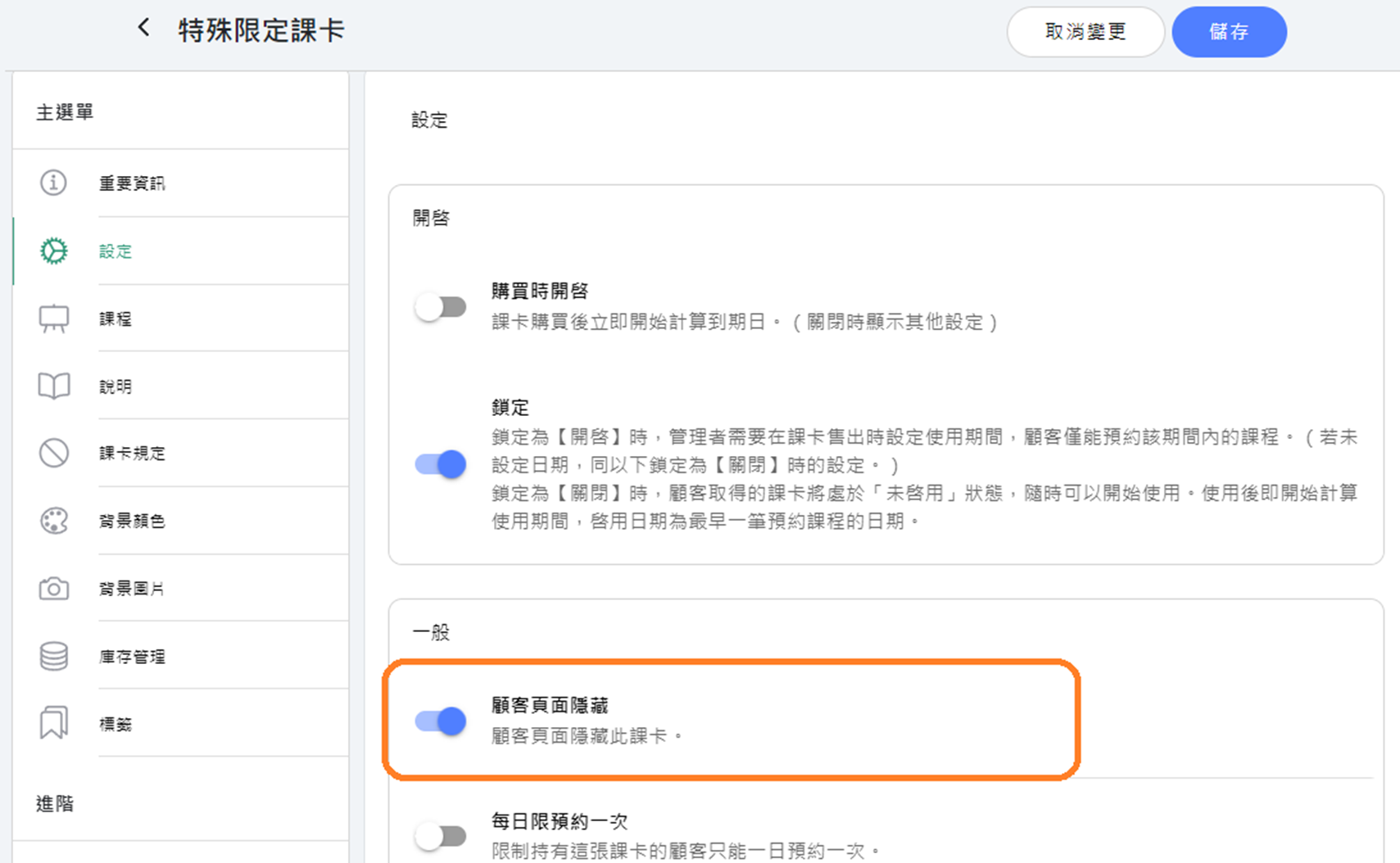
- 【Coupons & Discounts】 Adjusted so that passes set as hidden from customers can still be added to the cart.
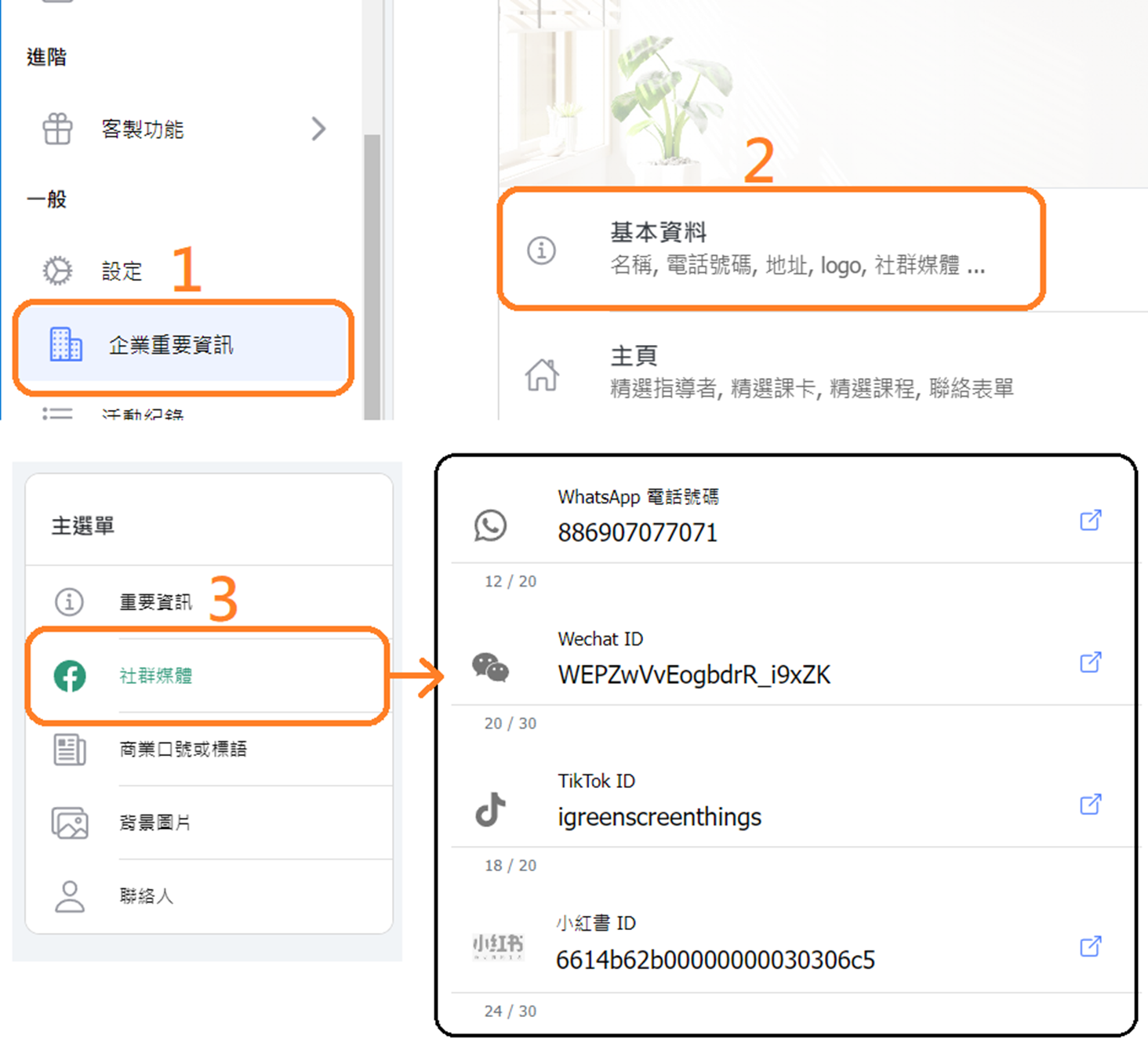
- 【Business Information】 Added new social media options to the basic information: WhatsApp, WeChat, TikTok, and Xiaohongshu.
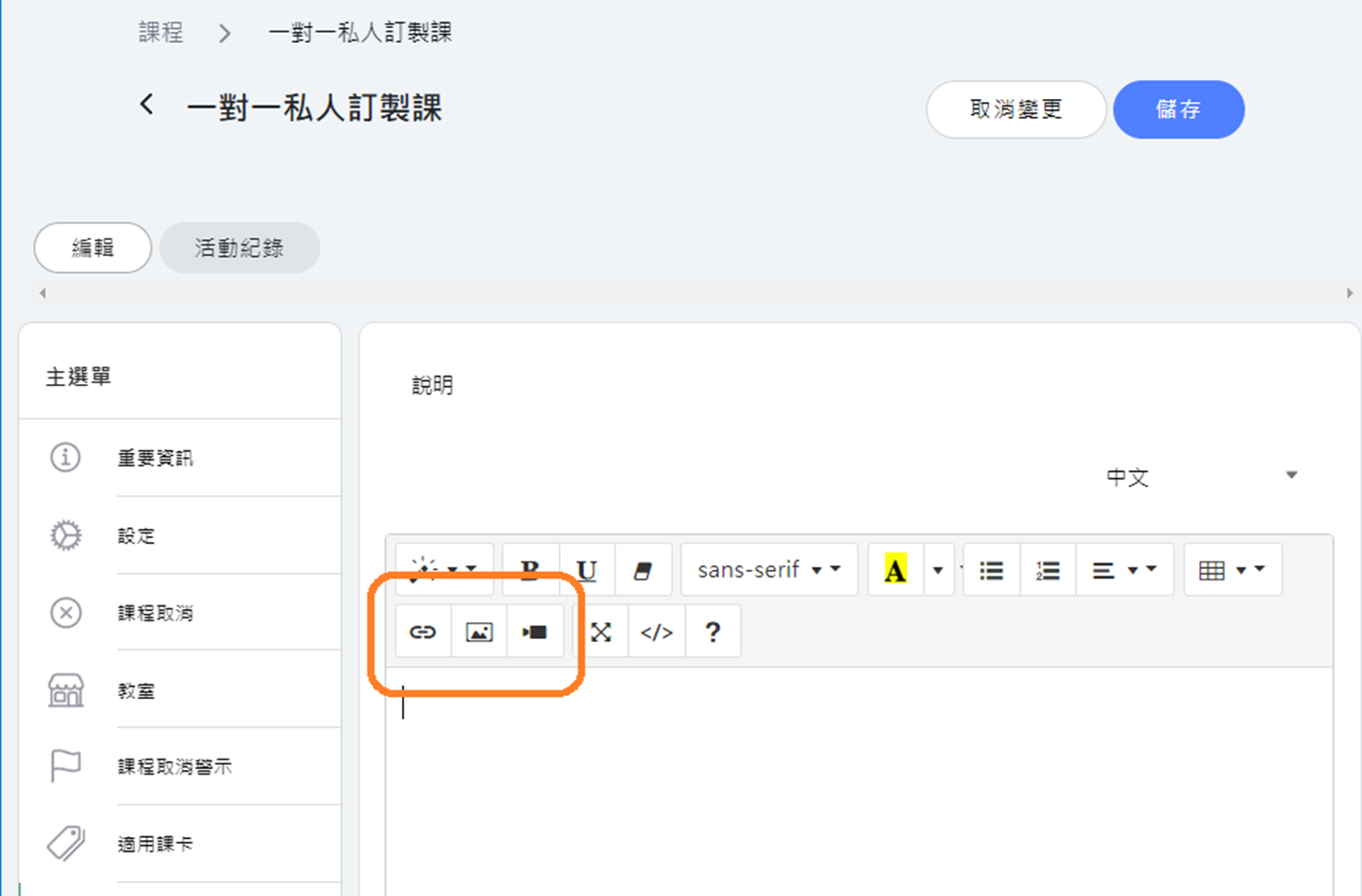
- 【Text editor】Updated the interface for three media embedding functions in the text editor: link, image, and video.
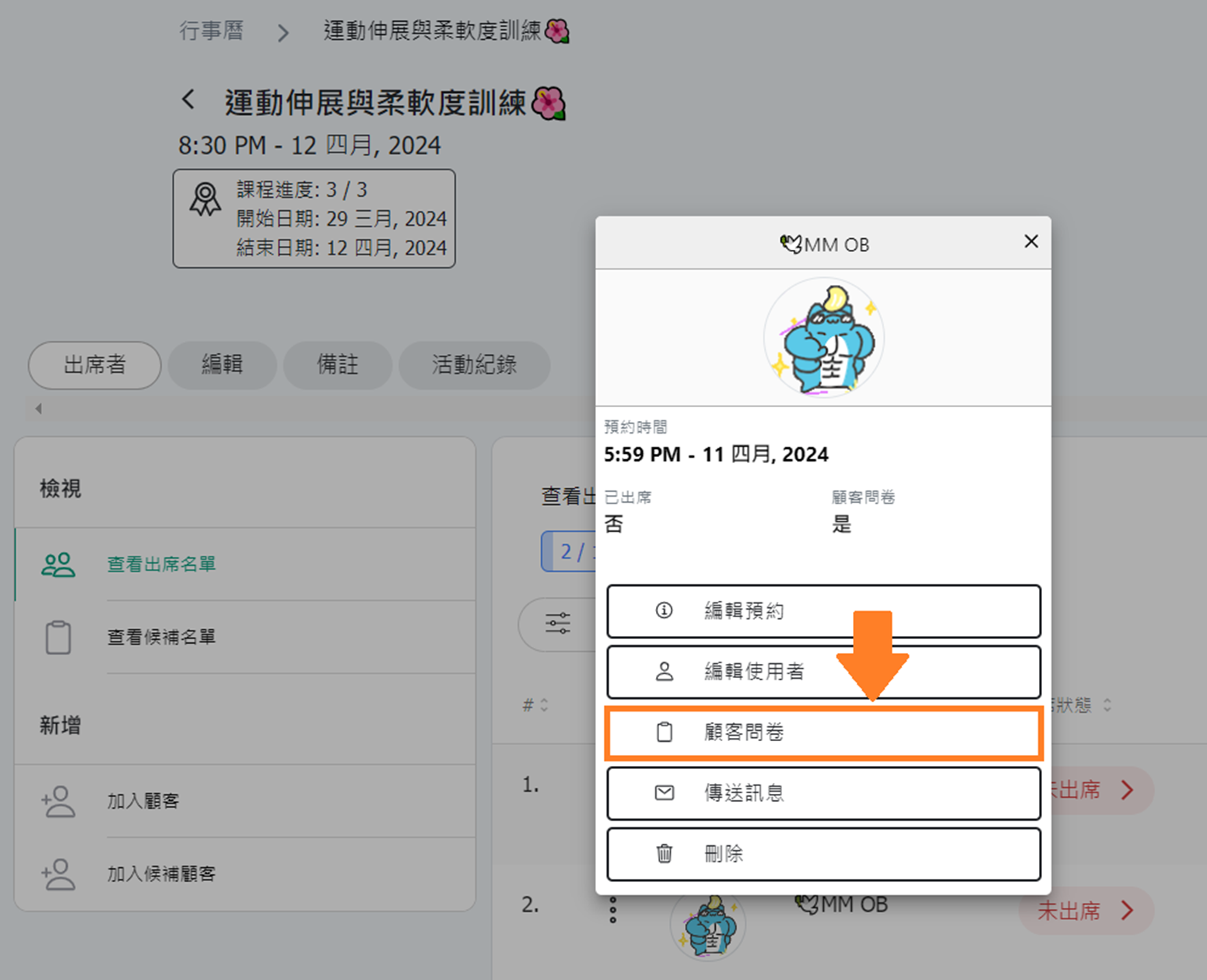
- 【Role & Permissions】 Adjusted permissions for viewing customer surveys in the calendar attendance list from "Edit Booking Records" to "View Booking Records."
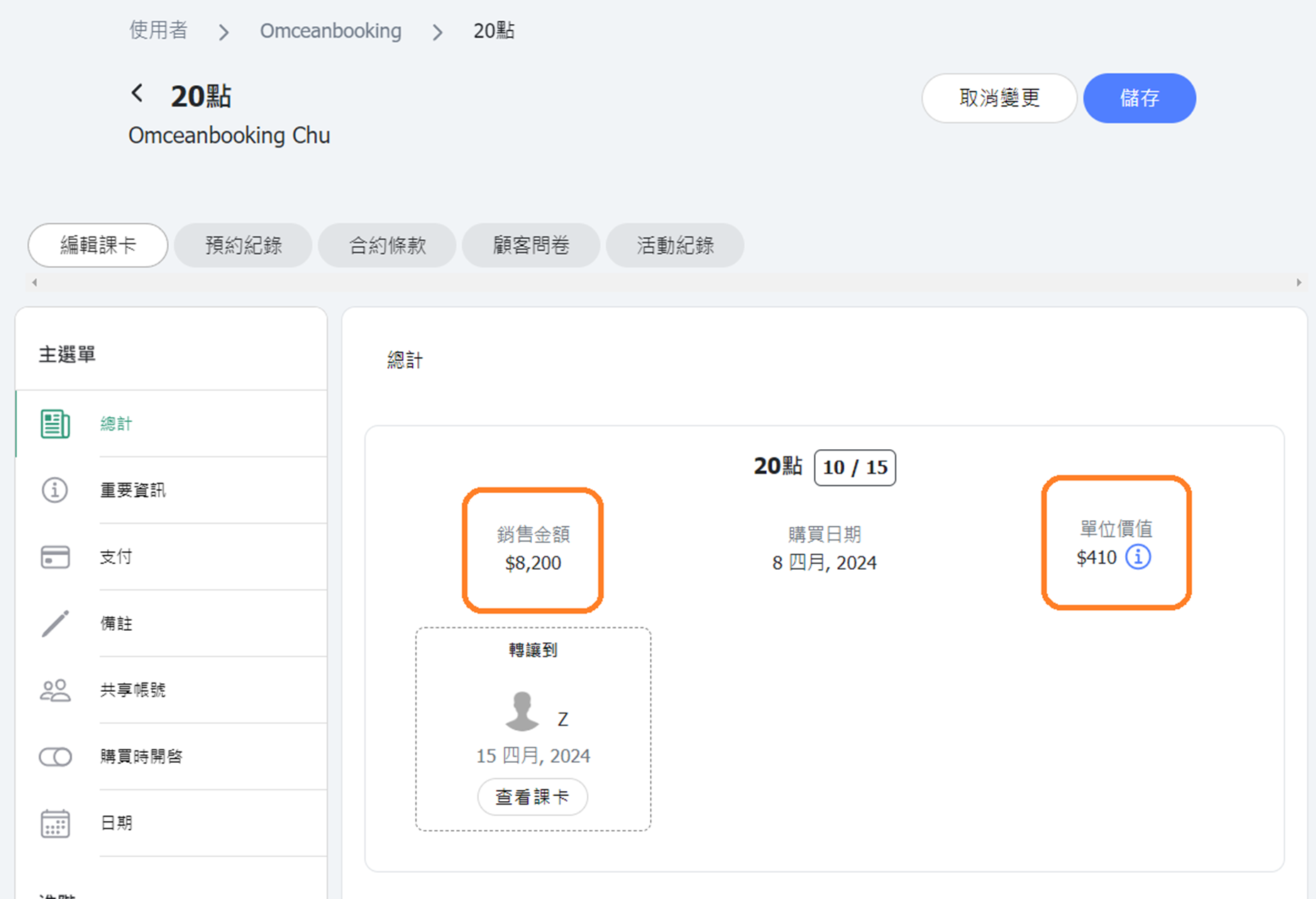
- 【Customer Passes】 Updated terminology: "Fee" changed to "Sale Price," and "Fee/Class (Fee/Point)" changed to "Unit Value," with explanations added for unit value.
- 【Pass Transfer (Admin)】 Added a data verification mechanism during transfer. If the retained and transferred classes/points do not add up to the original pass, the transfer will not proceed.
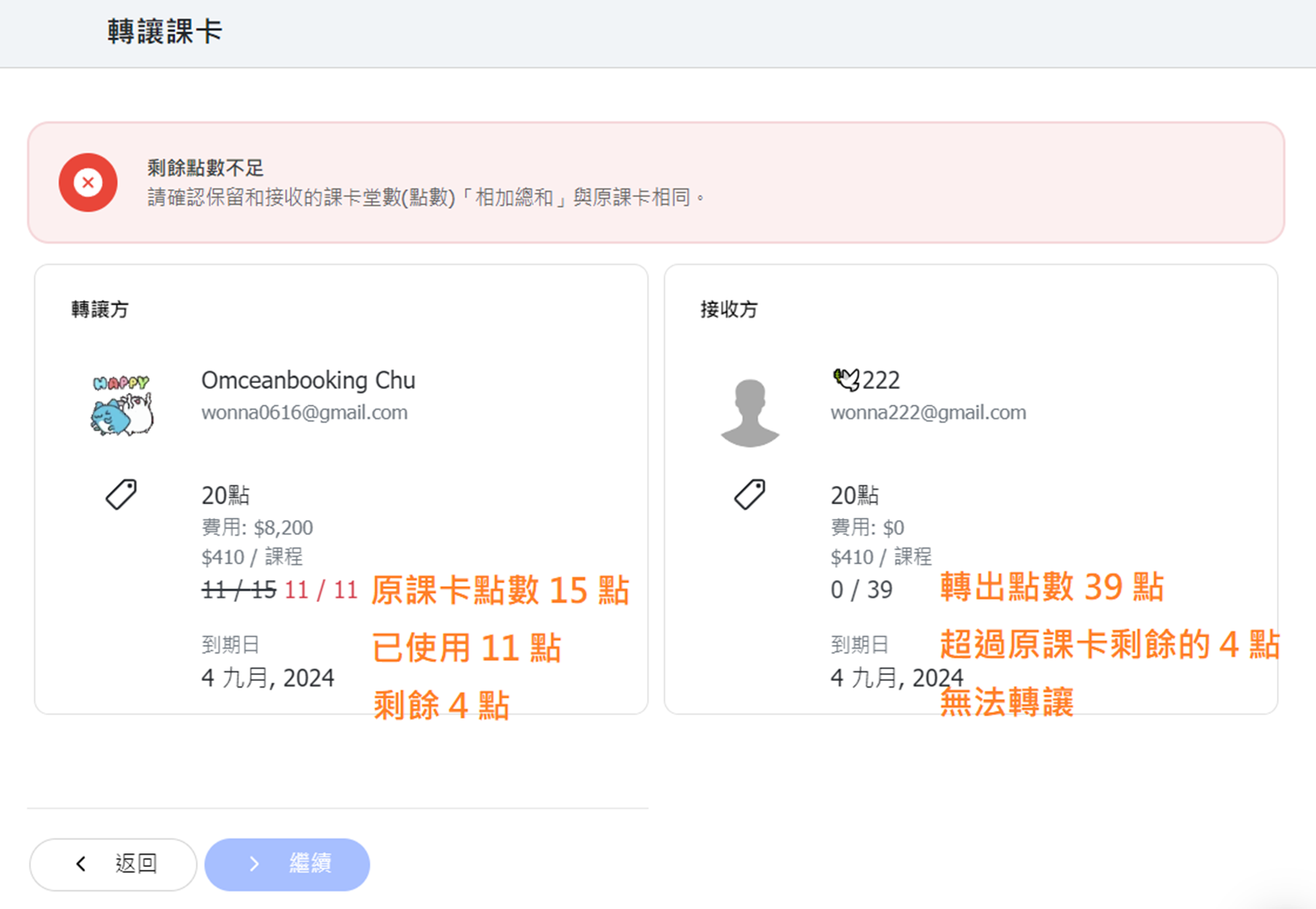
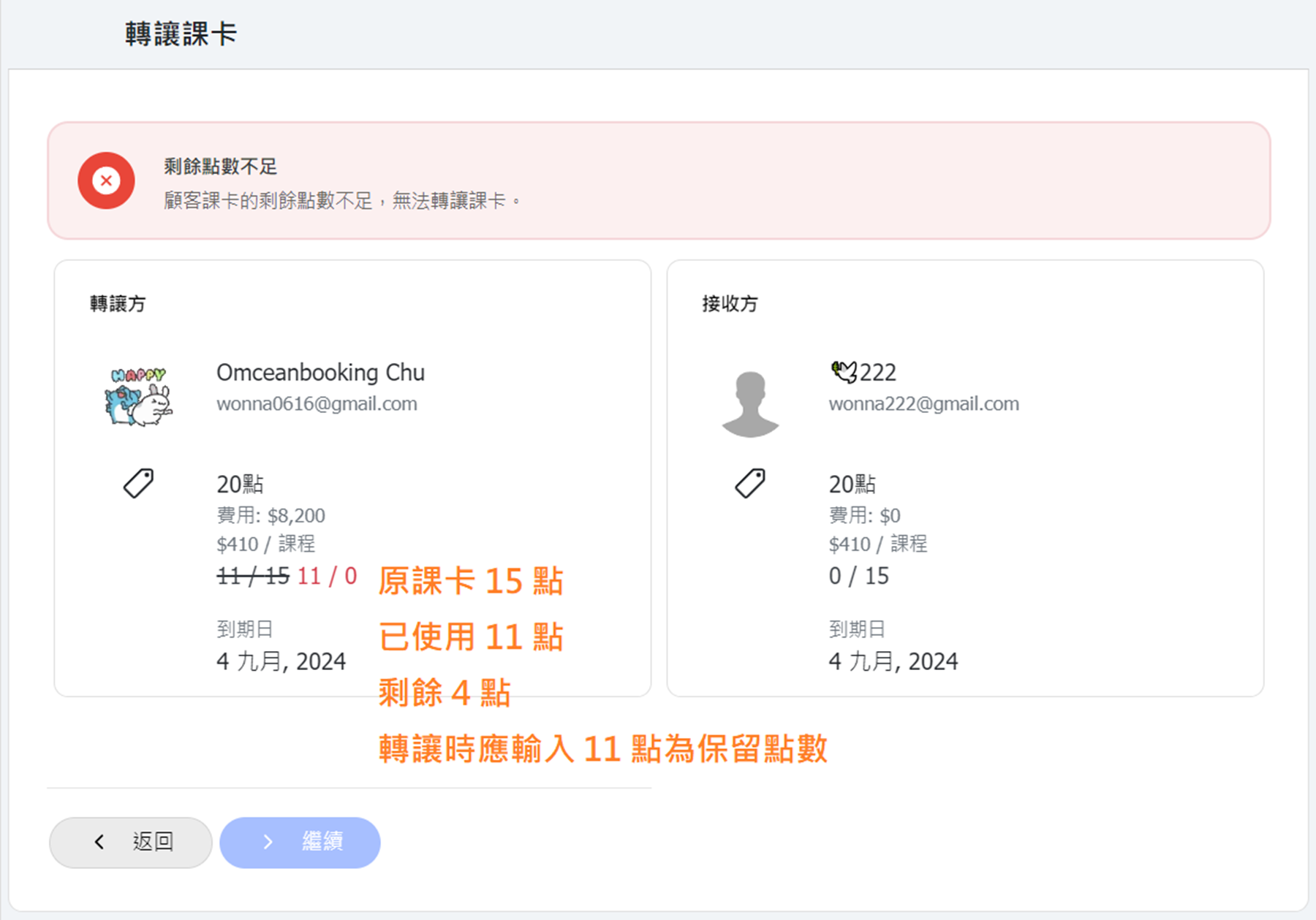
- 【Pass Transfer (Admin)】 Added a data verification mechanism during transfer. If the retained points are less than the used classes/points, the transfer will not proceed.
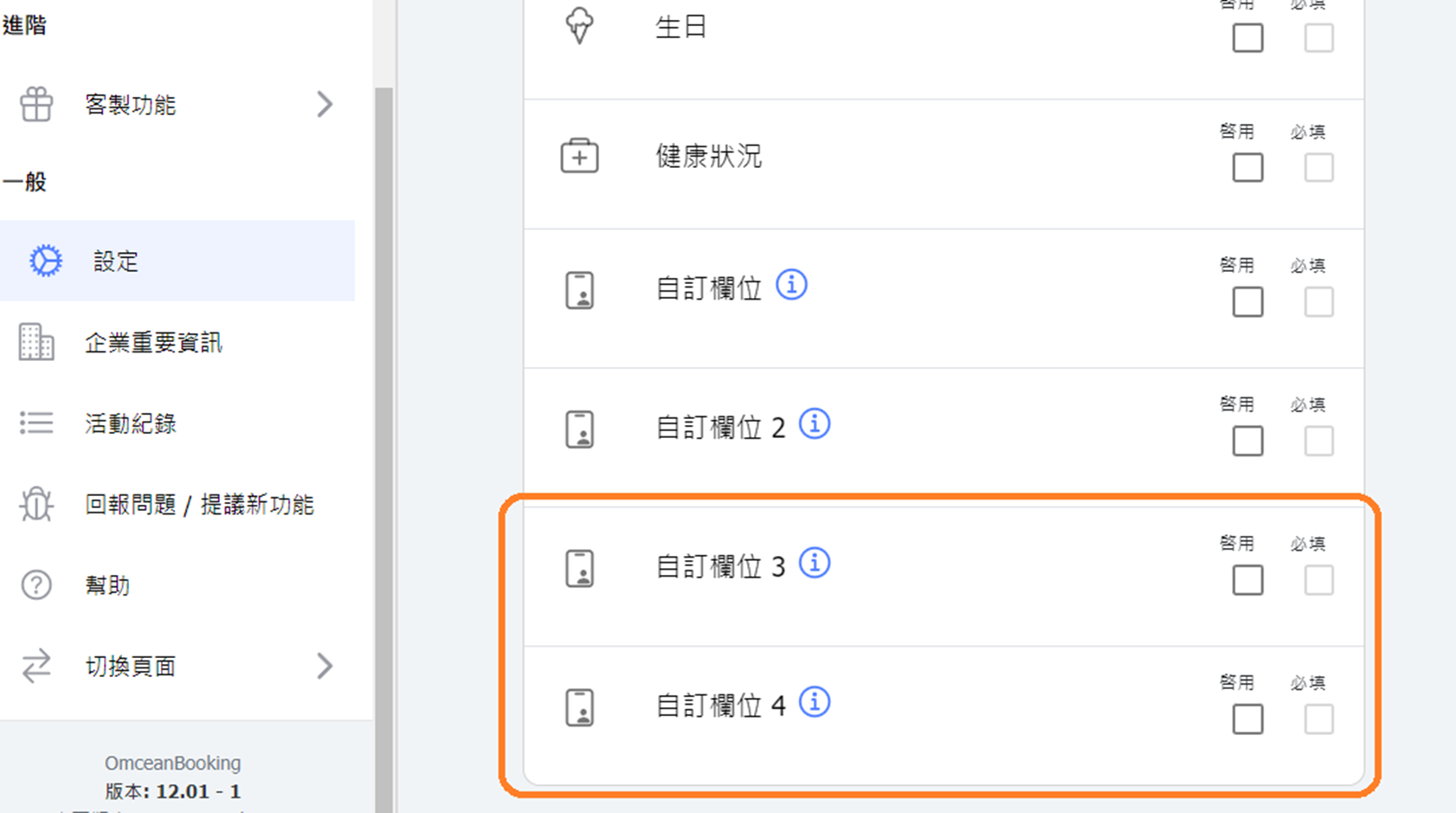
- 【Settings - Customer Settings】 Added new fields "Custom Field 3" and "Custom Field 4" to customer information.
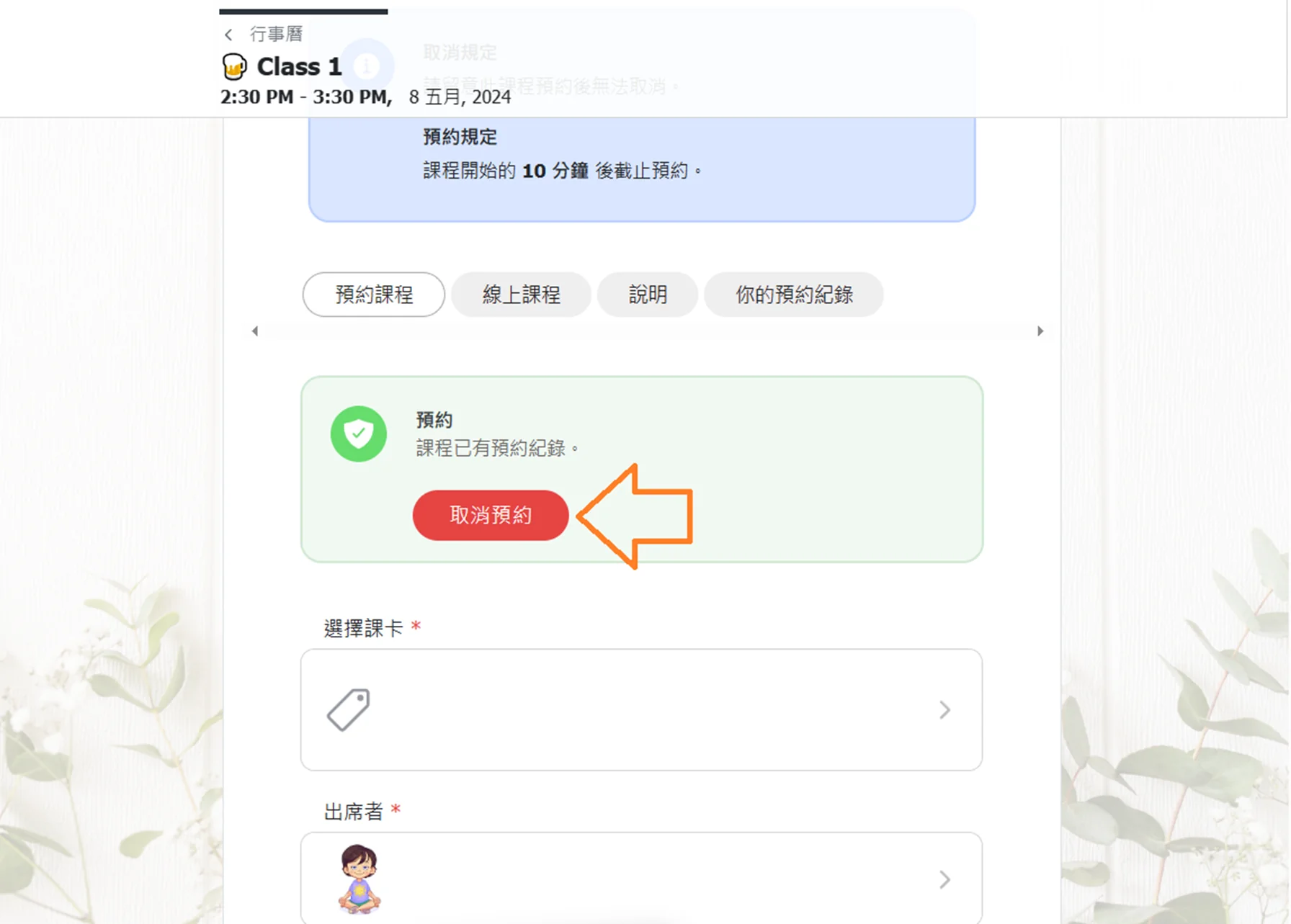
- 【Calendar (Customer)】 Added a cancel booking button to the class booking page, which redirects to the "Your Bookings" tab for easier cancellation.
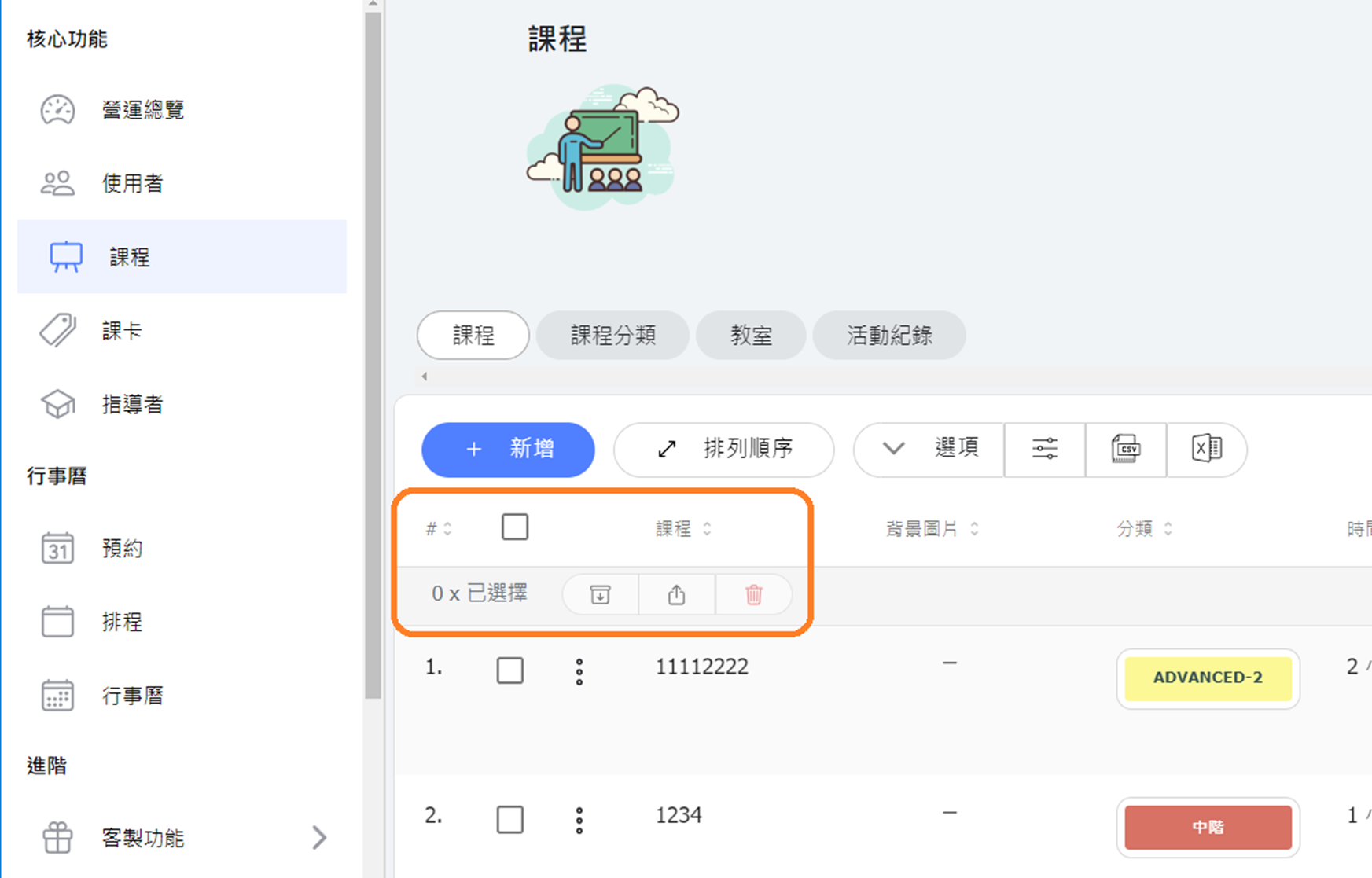
- 【Bulk Archive/Delete】 Added bulk archive, bulk restore (unarchive), and bulk delete buttons to the "Classes" and "Passes" lists in the core functions. This allows you to archive/delete multiple classes or passes at once. Important Reminder: If you need to remove classes, please use the "Archive" or "Terminate Class" functions. Avoid deleting class data directly. ⛔ Deleted class data cannot be restored, and all consumed points/classes for the deleted class will be refunded to the customer. Use the delete function with caution.
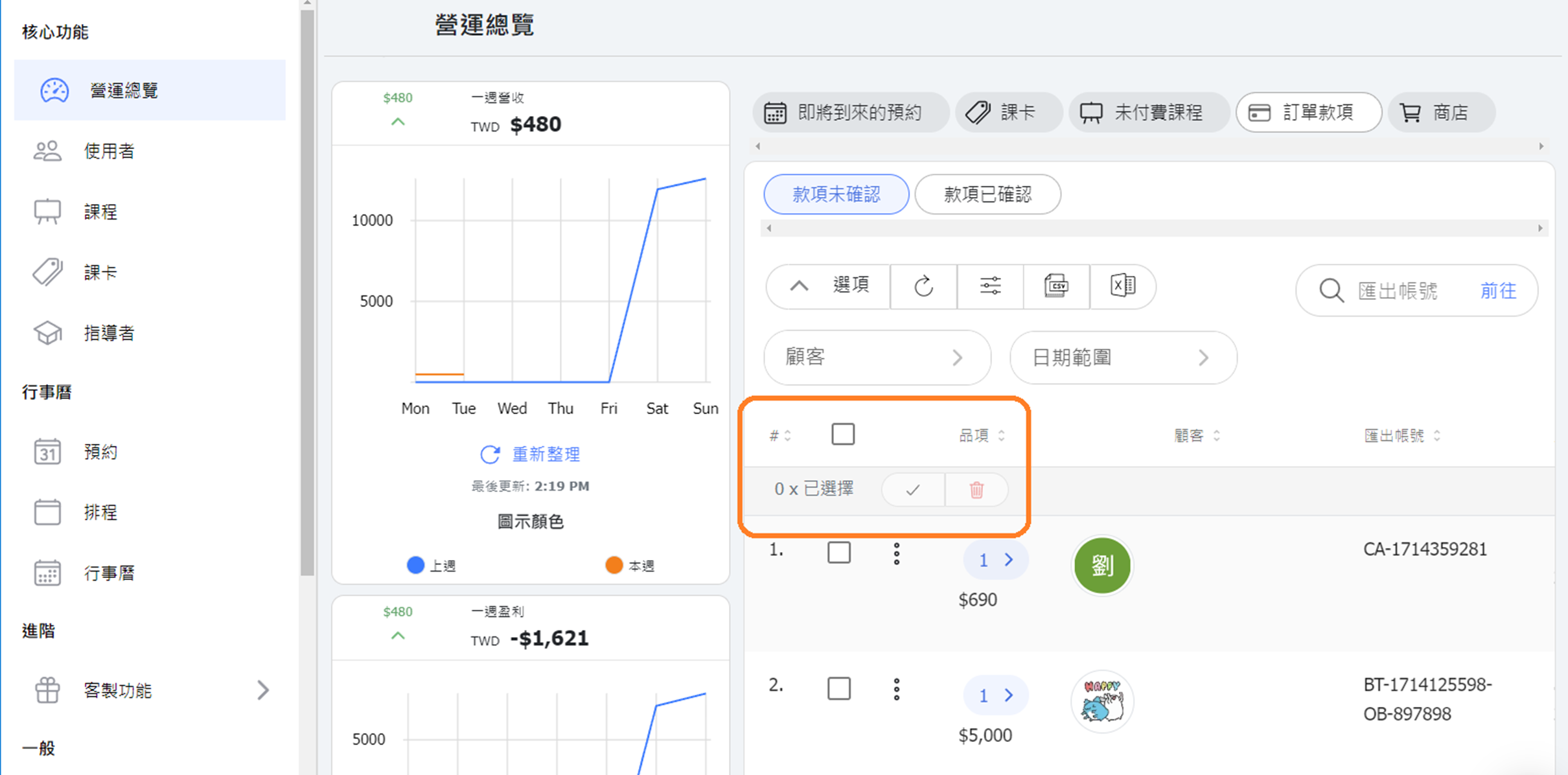
- 【Bulk Verify/Delete Payments】 In the Dashboard -> Payments -> "Unverified Payments" list, added bulk payment verifying and bulk delete order features.
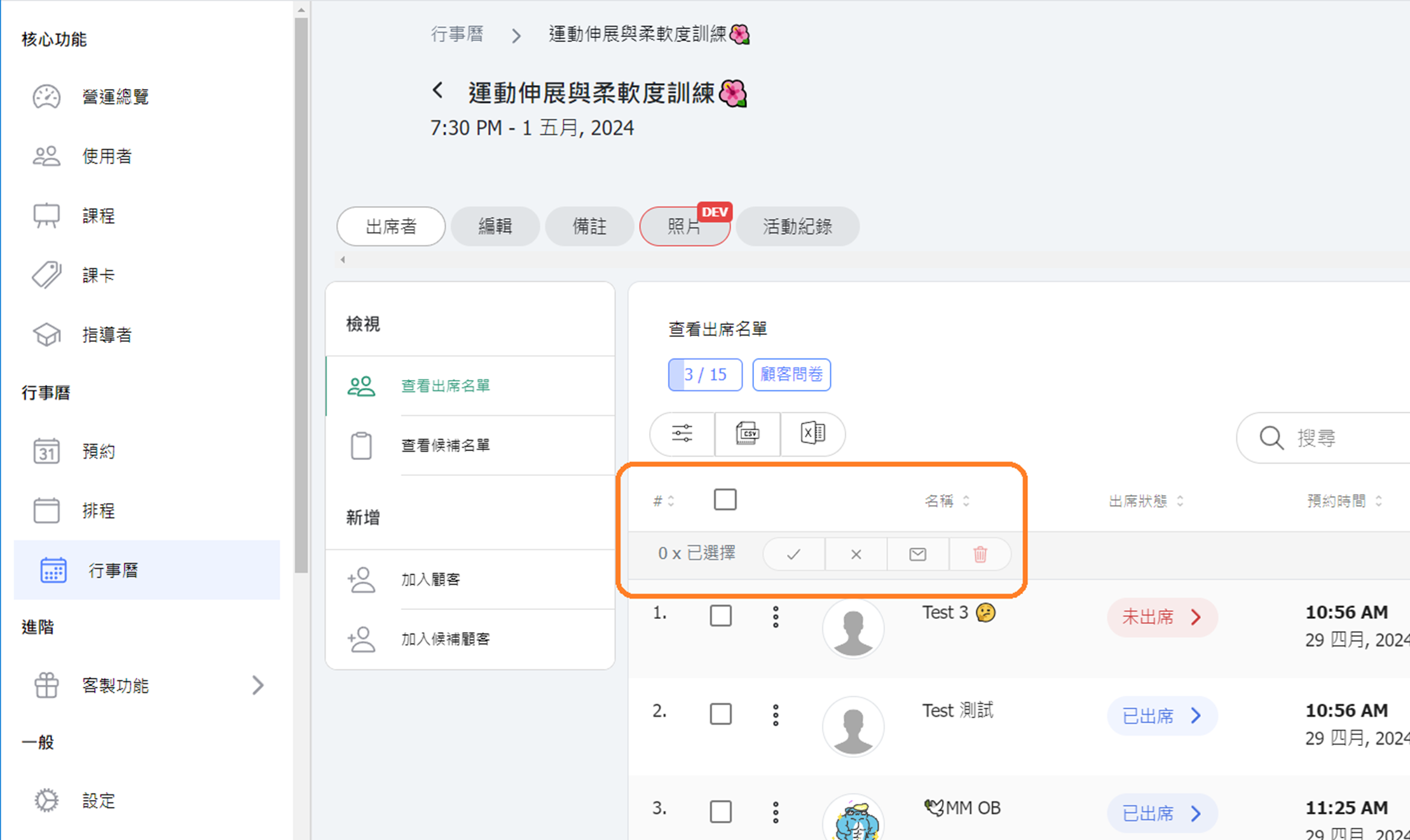
- 【Bulk Roll Call/Send Class Messages/Delete】 Added bulk roll call, bulk send messages to multiple selected customers, and bulk remove customer bookings buttons to the attendance list of scheduled classes in the calendar.
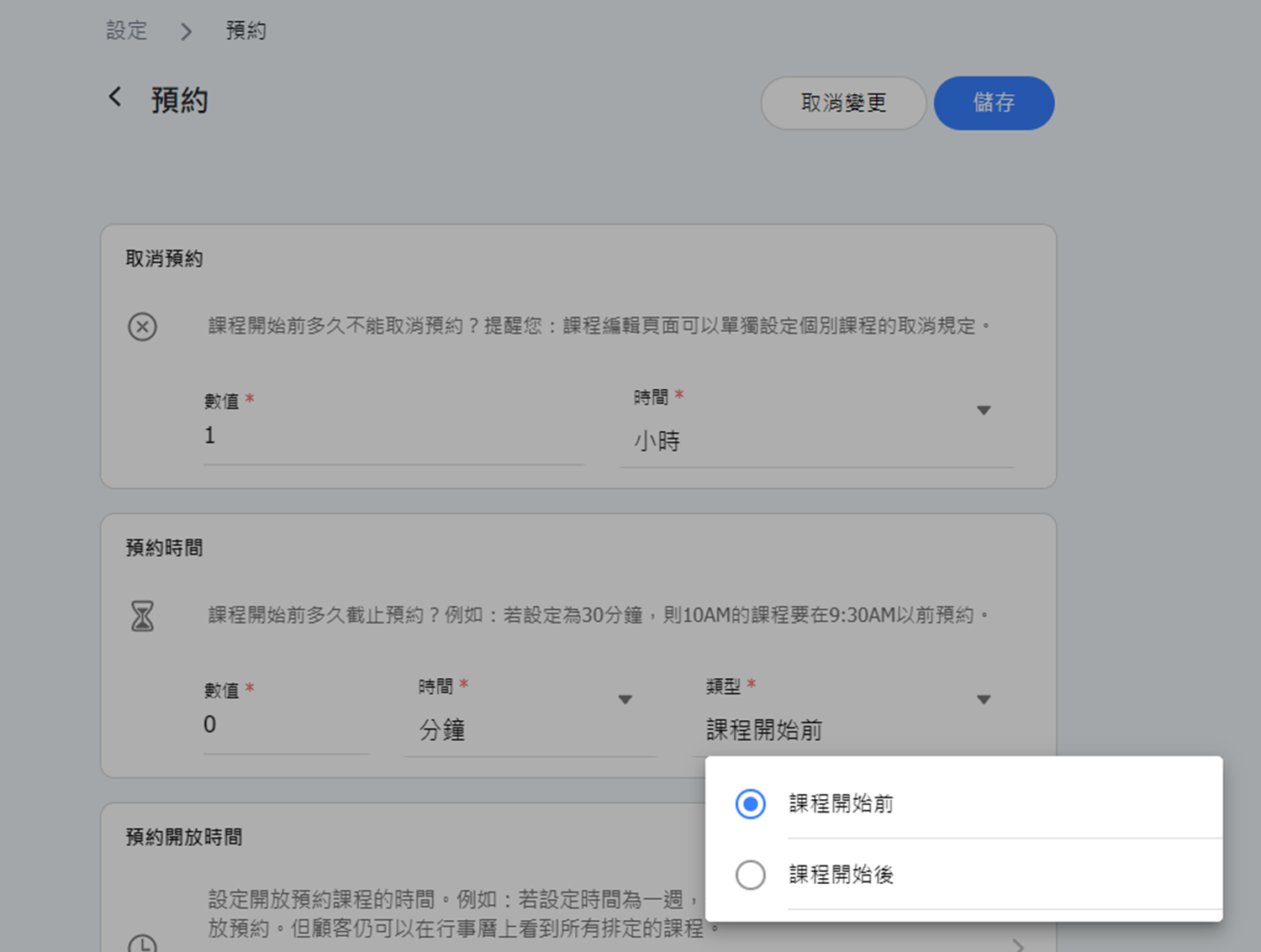
【Settings - Booking Settings】 Completed/Not Yet Published Added "Booking Time" options for "Before Class Starts" and "After Class Starts." (Settings visible in version 12.02, and apply from version 12.01 onwards.)
- "Before Class Starts" setting remains the same as before, allowing bookings a certain time before the class starts.
- "After Class Starts" setting allows bookings a certain time after the class starts, suitable for classes that allow students to join mid-session. For example, if set to 10 minutes after class starts, a 10:00 AM class can be booked until 10:10 AM.
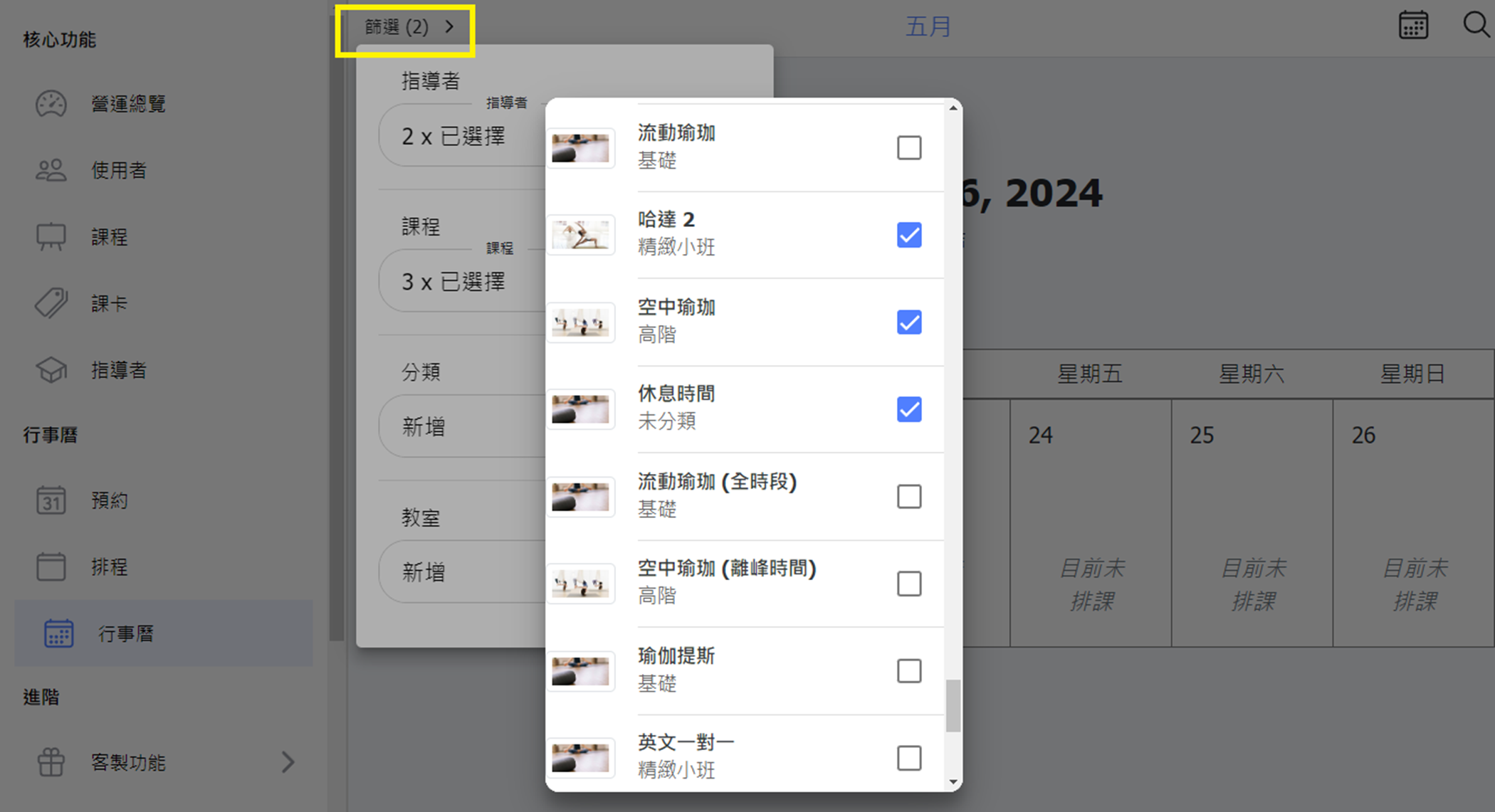
- 【Calendar】 Enhanced the calendar filter tool to allow multiple item selections at once.
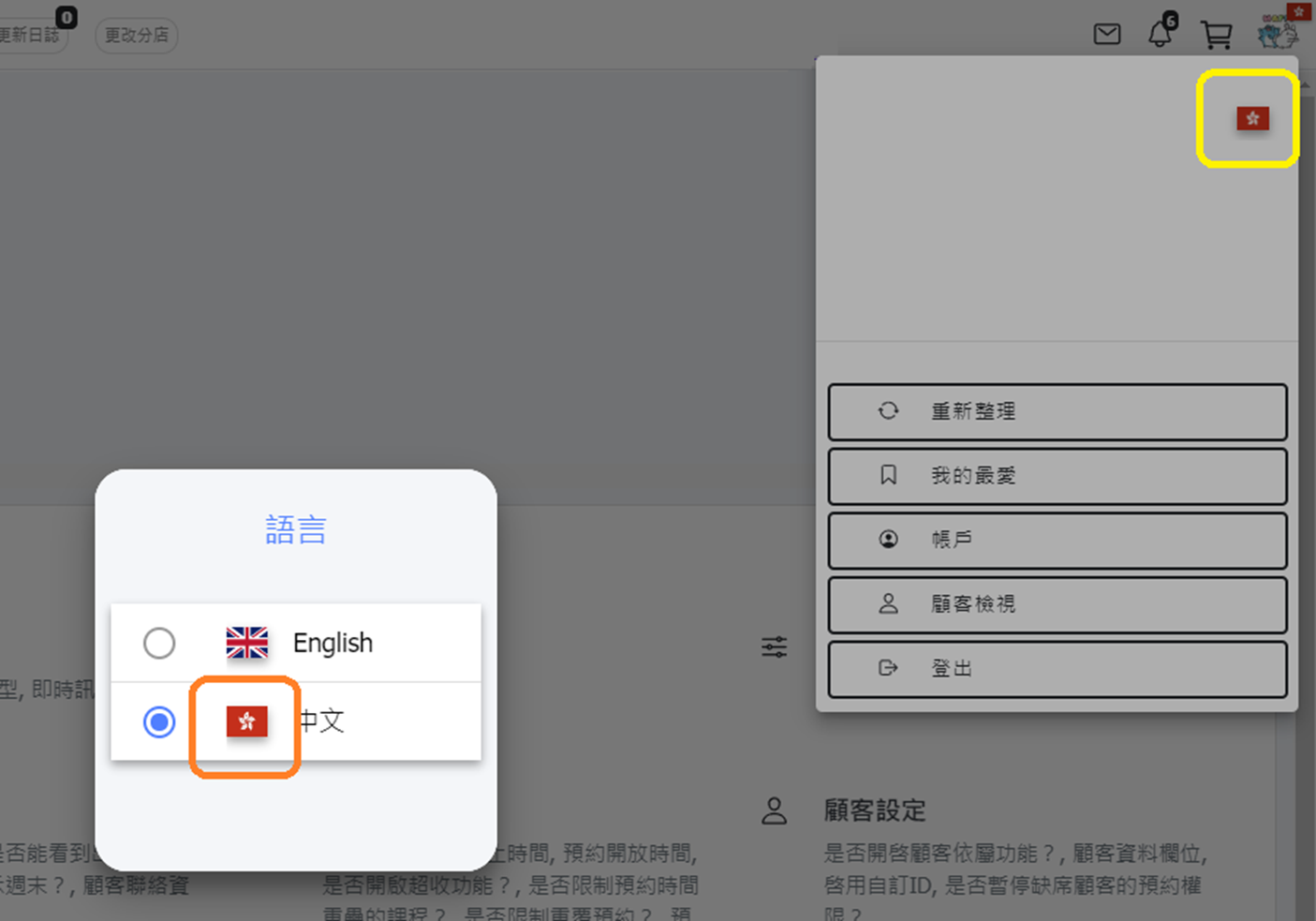
- 【Settings - System Settings】 When selecting "HKD" as the currency, the system's Chinese flag will be the Hong Kong regional flag.
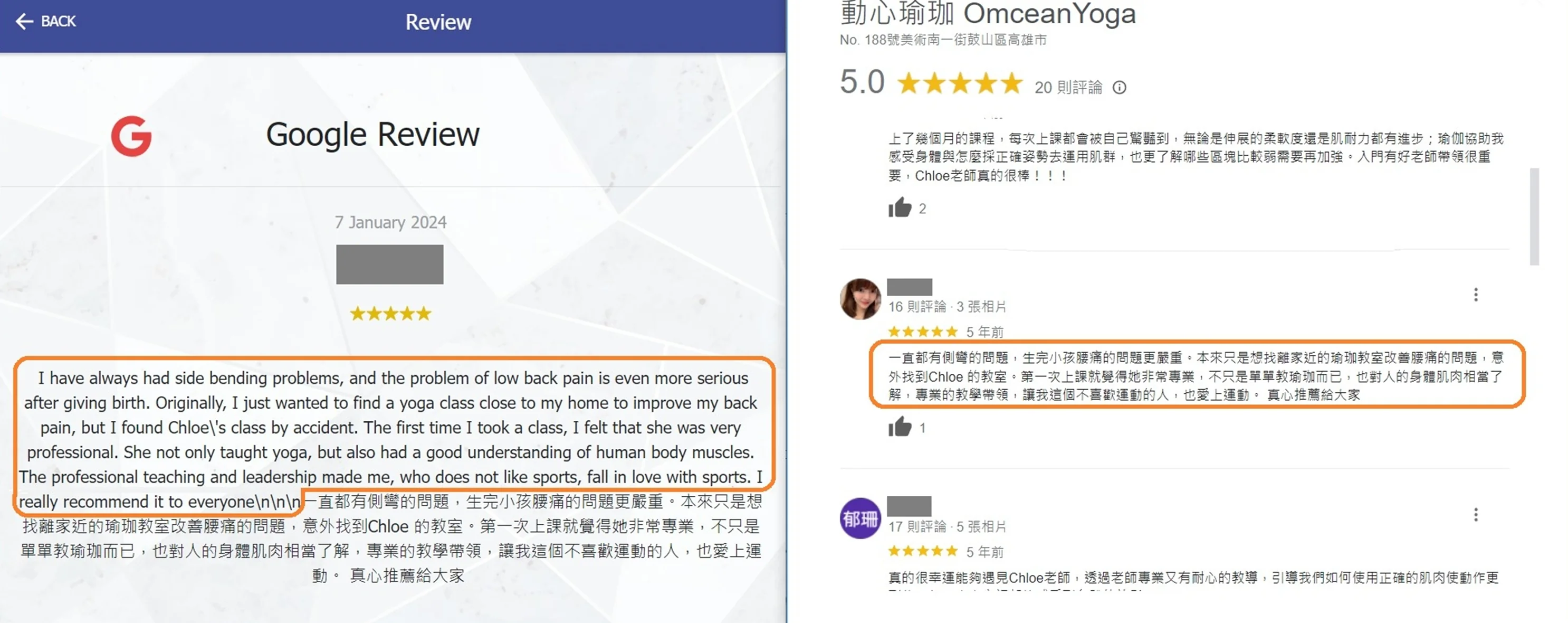
- 【Google Business】 Removed Google's automatic translation feature for reviews, displaying only the original text.
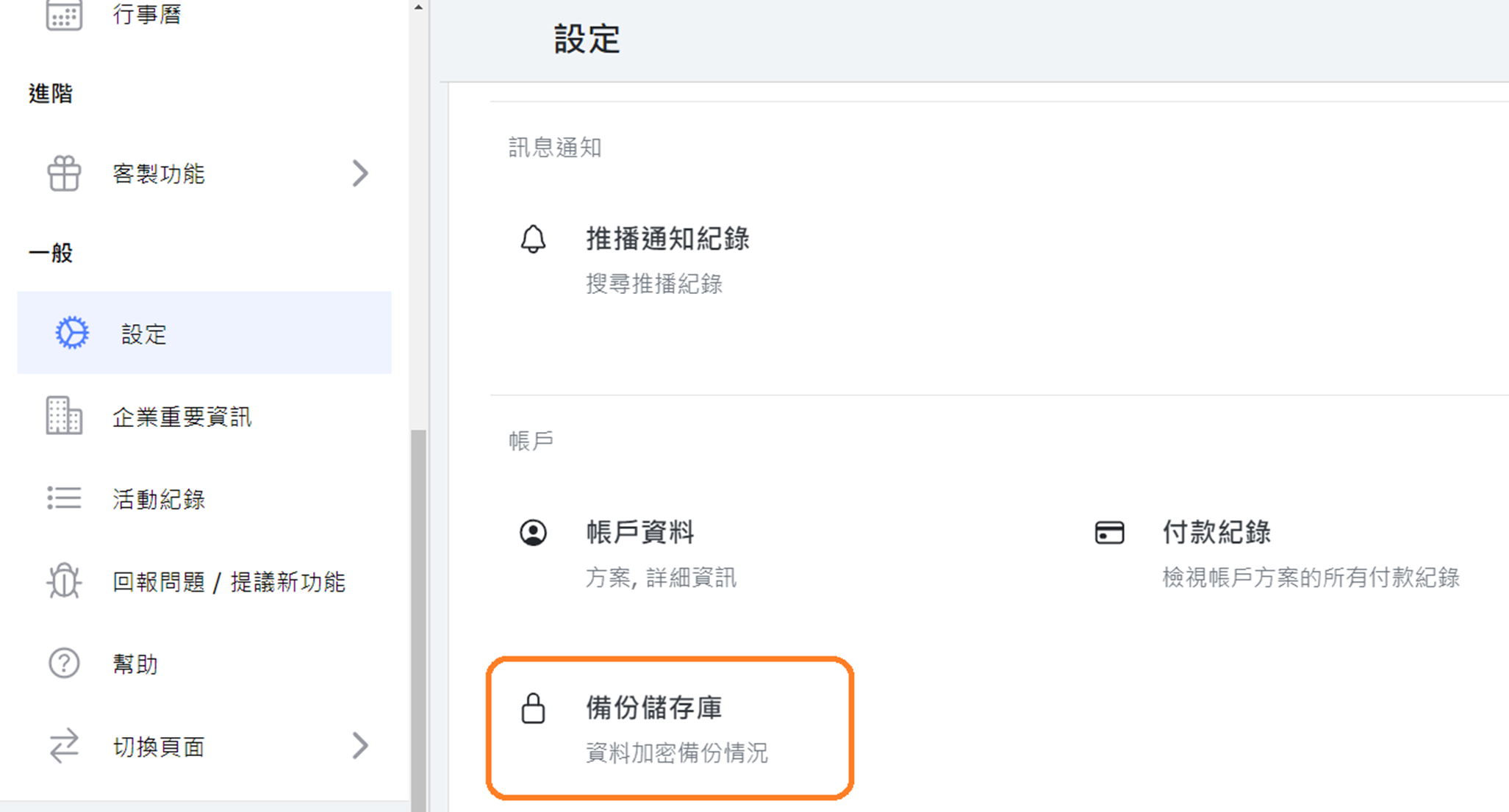
- 【Backup Repository】 Added current backup status and date information to the system settings page.
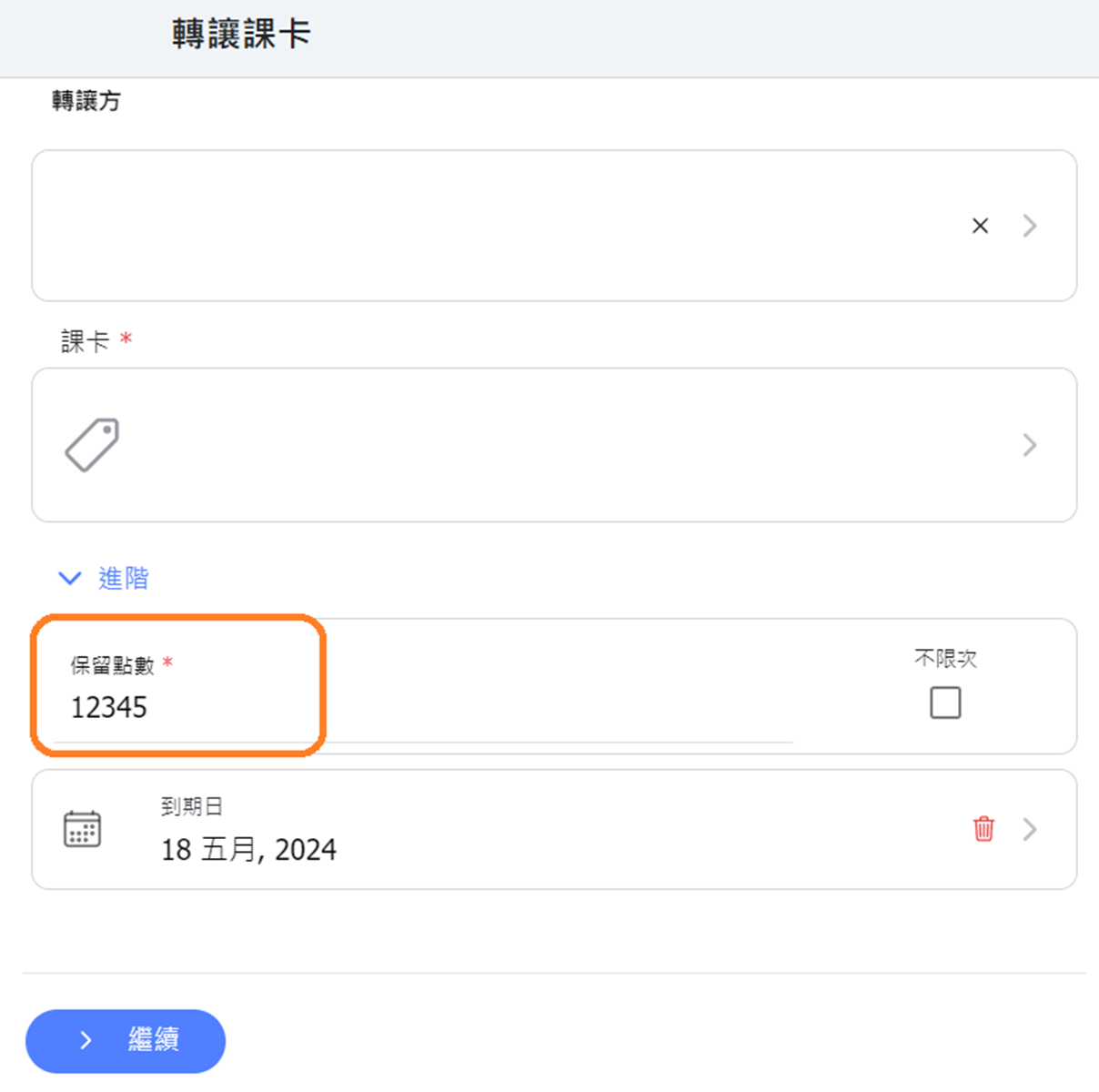
- 【Pass Transfer】 Now allows input of five-digit numbers (previously limited to four digits). *Currently applies only to the web version; the app will be updated in version 12.03.
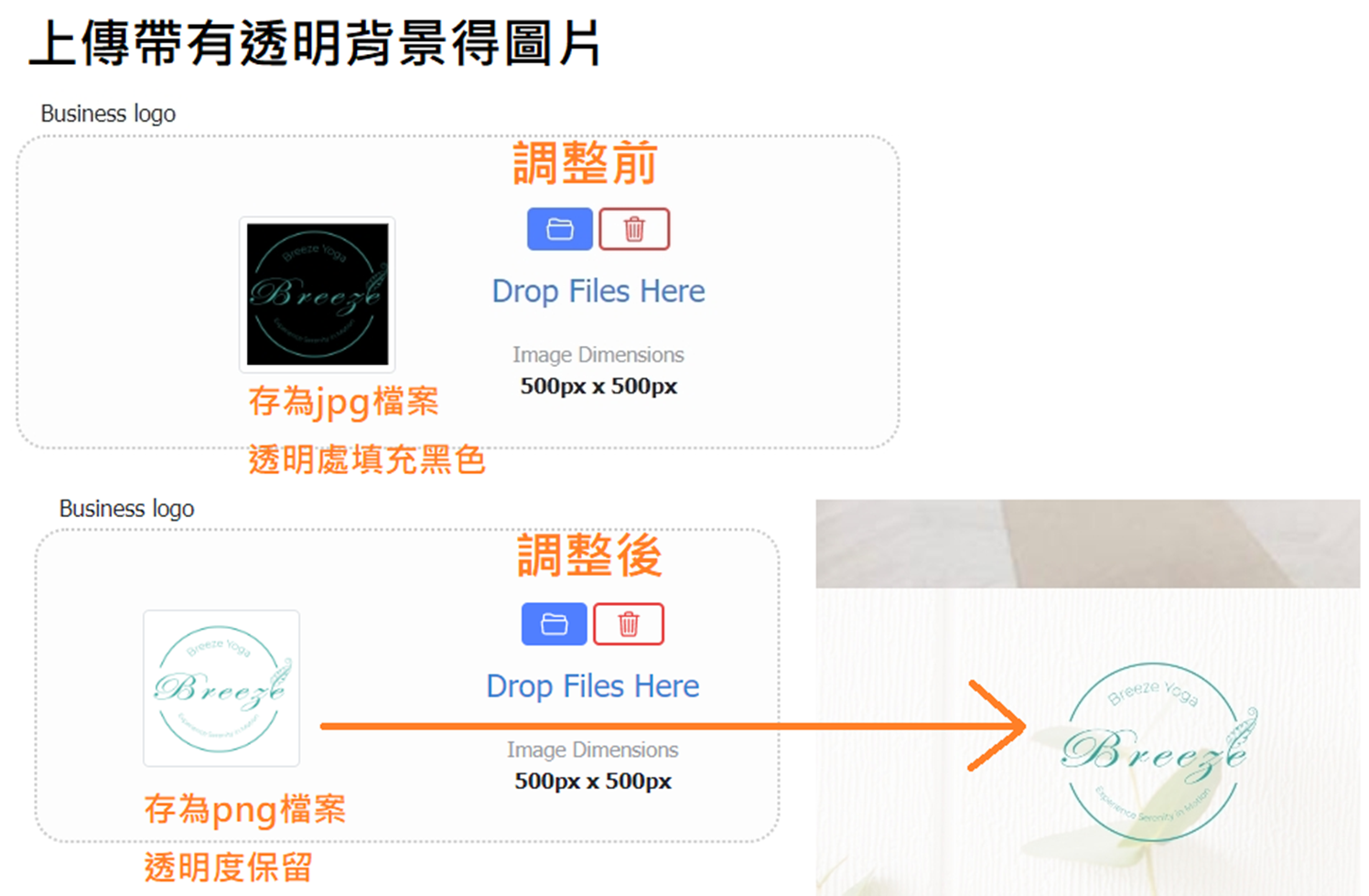
- 【Image Upload】 Adjusted the image file type for uploads from JPG to PNG, supporting images with transparent backgrounds to avoid filling with a black background after uploading.
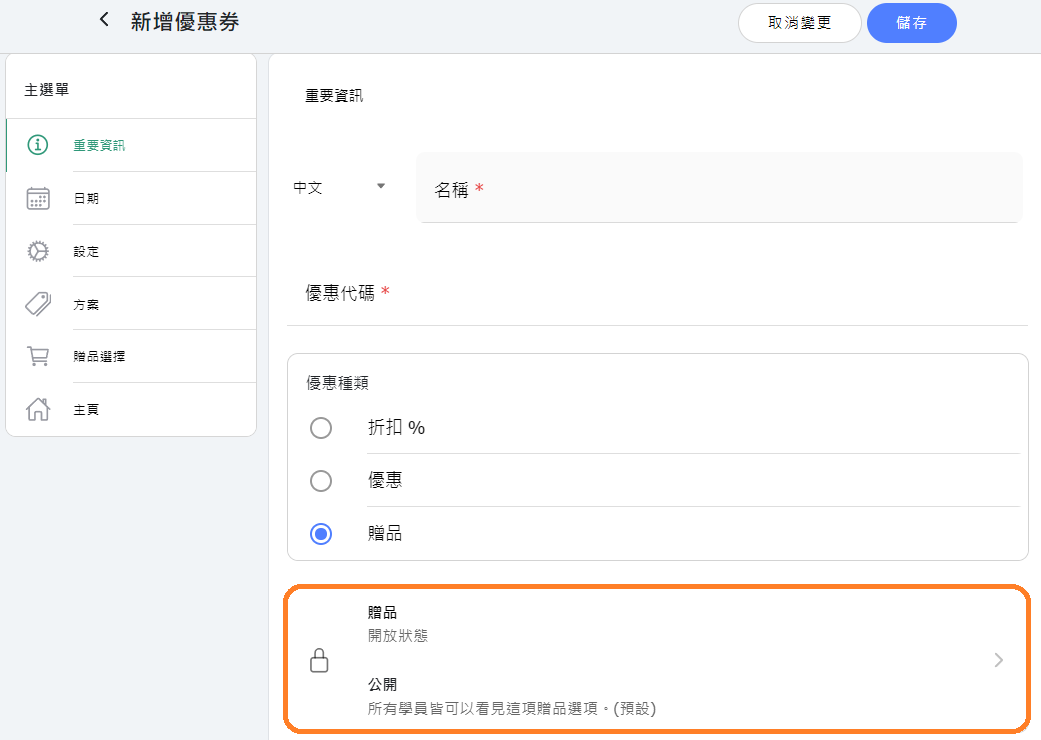
- 【Coupons & Discounts】 When creating giveaway coupons tied to passes, you can choose to make the coupon code visible or hidden on the customer's pass page. (Settings visible in version 12.02, and apply from version 12.01 onwards.)
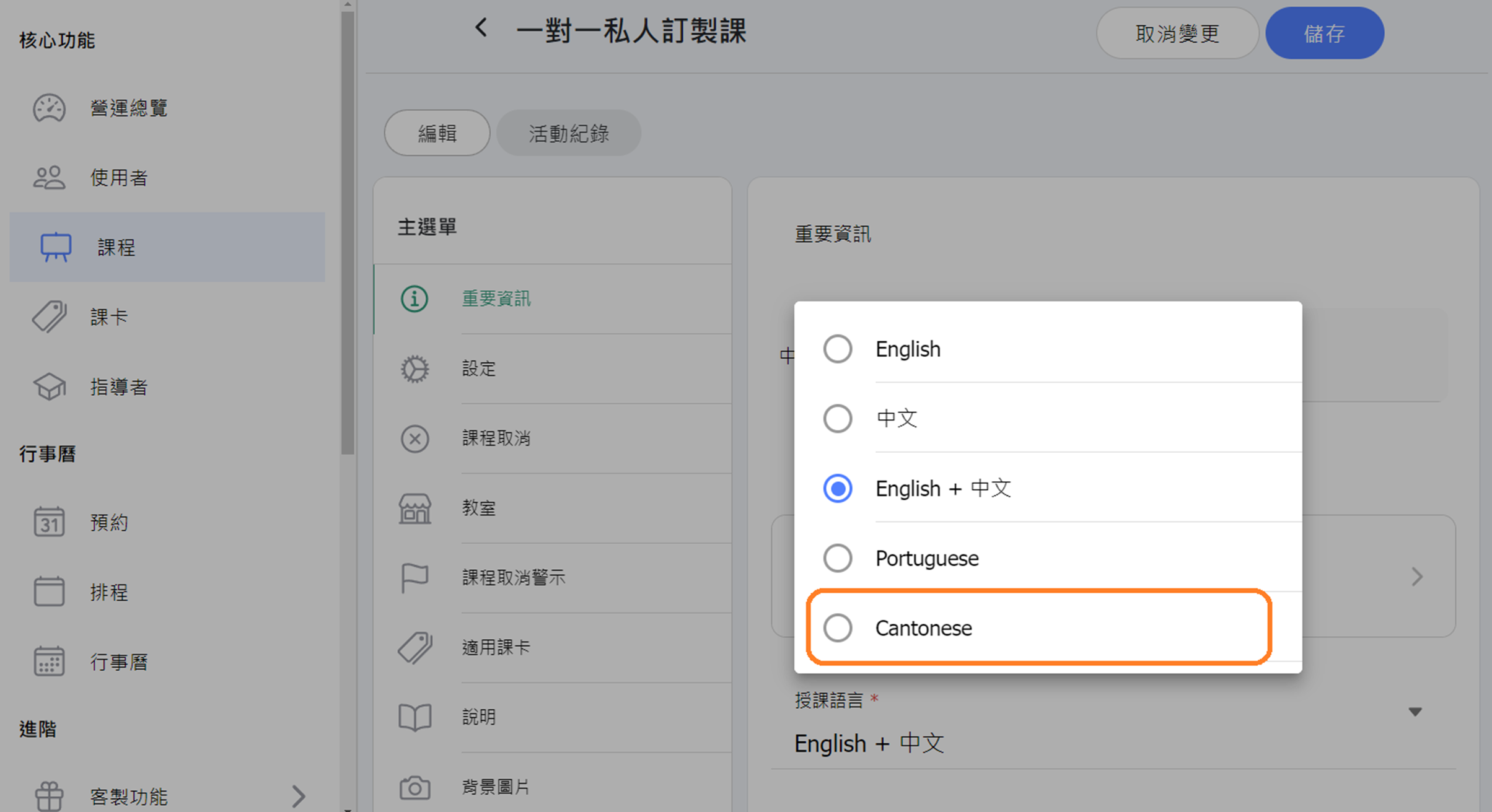
- 【Class】Add new class language option "Cantonese".