Reports Explanation
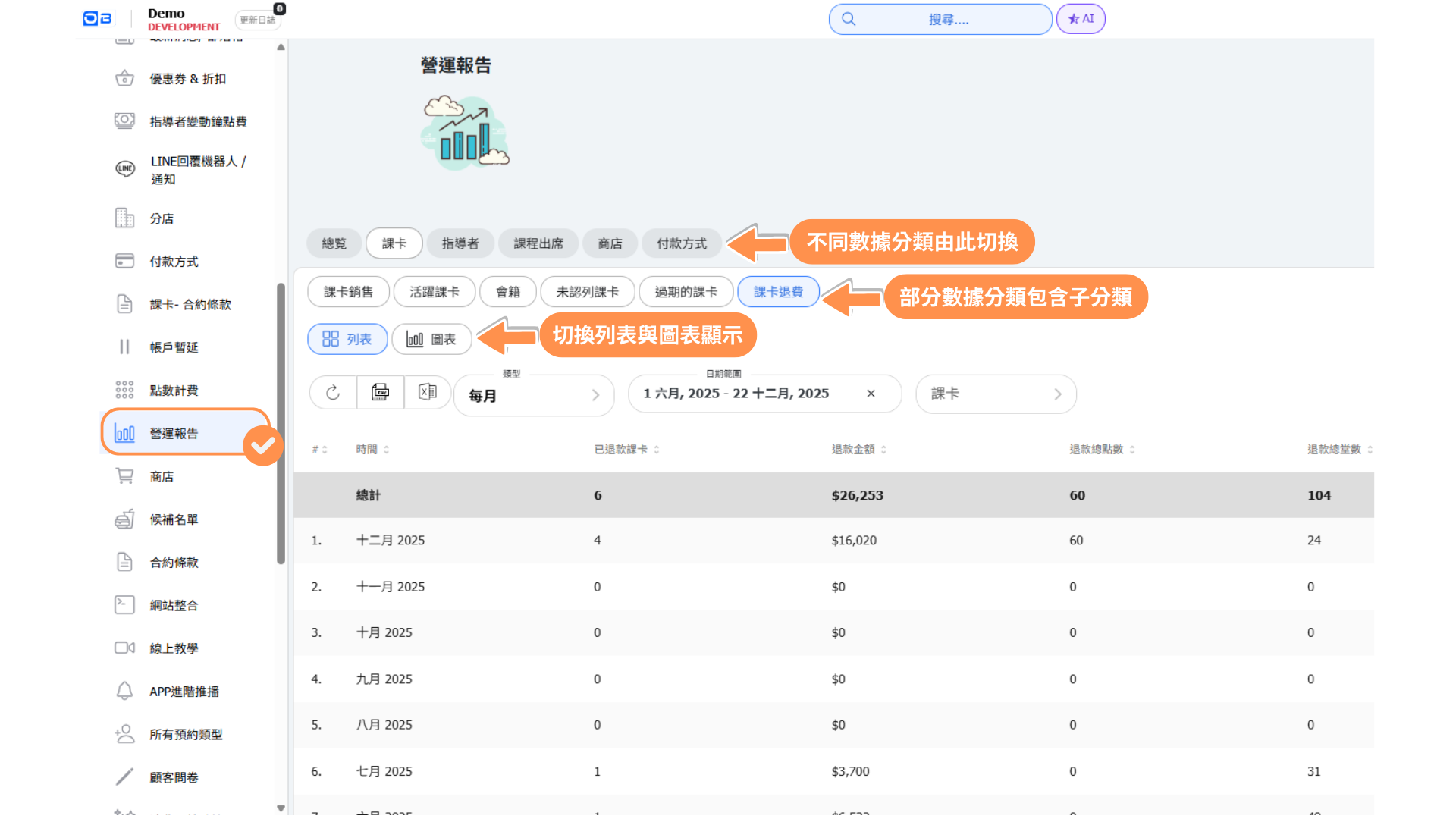
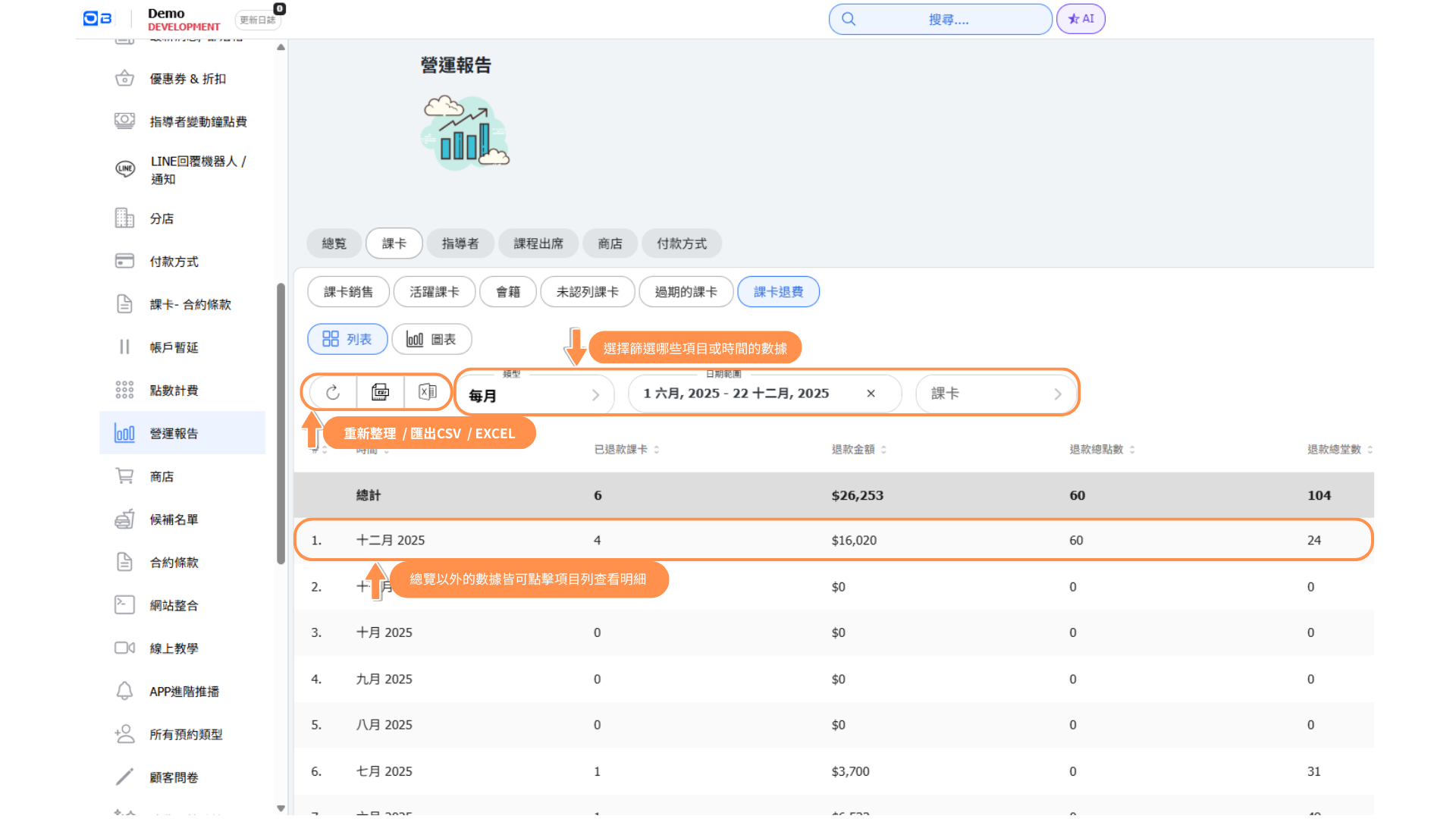
| Category | Explanation |
| Overview |
Overview allows you to quickly assess your operational status and compare passes sales with class reservations. Pass sales: Total sales amount of all pass, including memberships. (Excludes unpaid pass) Class revenue: Total revenue generated from all classes. Note: For unlimited passes, please refer to membership calculations. Pass membership: Refers to any unlimited usage plan. For example, for a monthly unlimited pass priced at NT$3,000: Daily membership income is calculated as NT$3,000 divided by 30 days, resulting in NT$100/day or NT$700/week, and so on. Instructor salary (Including upcoming classes for easier expense estimation by the business) |
| Passes |
Pass Sales overview: Provides an overview of pass sales, including comparisons of order quantity and customer count, along with visibility into unpaid items for customers. Pass sales: Total sales amount of all pass, including memberships. (Excludes unpaid pass) Active pass: Pass that have been activated. Memberships: Refers to any plans with unlimited. For example, for a monthly pass priced at NT$3,000 with unlimited: Monthly fee of NT$3,000 divided by 30 days equals daily membership revenue of NT$100, weekly revenue of NT$700, and so on. Unused passes: Passes that have been activated and are not expired. (Note: Unused = Deferred revenue, Used = Actual revenue) ※Date Filter Instructions※ 1. The activation date of the pass must fall within the selected date range. 2. Classes that occur before the end date of the query and have not yet been counted will be included in the uncounted class total. Expired passes: Expired within this date range. Refunds: all refunded pass records. |
| Instructor |
Classes offered: Total number of classes provided, excluding canceled classes. Customer attendance: Number of customers attending the classes. No attendance: Number of customers who reserved but did not attend the classes. Class filled percentage: Attendance count for classes ÷ Capacity count = Class filled percentage. Instructor salary: Total salary for all classes provided by instructors within the specified date range. |
| Class attendance |
Classes offered: Total number of classes provided, excluding canceled classes. Customer attendance: Number of customers attending the classes No attendance: Number of customers who reserved but did not attend the classes. Class filled percentage: Attendance count for classes ÷ Capacity count = Class filled percentage. |
| Shop |
Shop items sold: The sum of the quantities of items sold in the store. Shop sales: The total number of transaction orders for products. Shop customers: The count of unique customers who completed transactions. (Each customer is counted only once) Types of Items: The number of unique product types sold. (Each product type is counted only once) |
| Payment method |
Number order: The total number of transaction orders for passes and products. Unique customers:The count of unique customers who completed transactions. (Each customer is counted only once) Number passes sold:The total quantity of passes sold. Passes transferred:The number of passes that have been transferred. Shop items Sold:The sum of the quantities of products sold in the store. Shop revenue:The total sales revenue from products. |
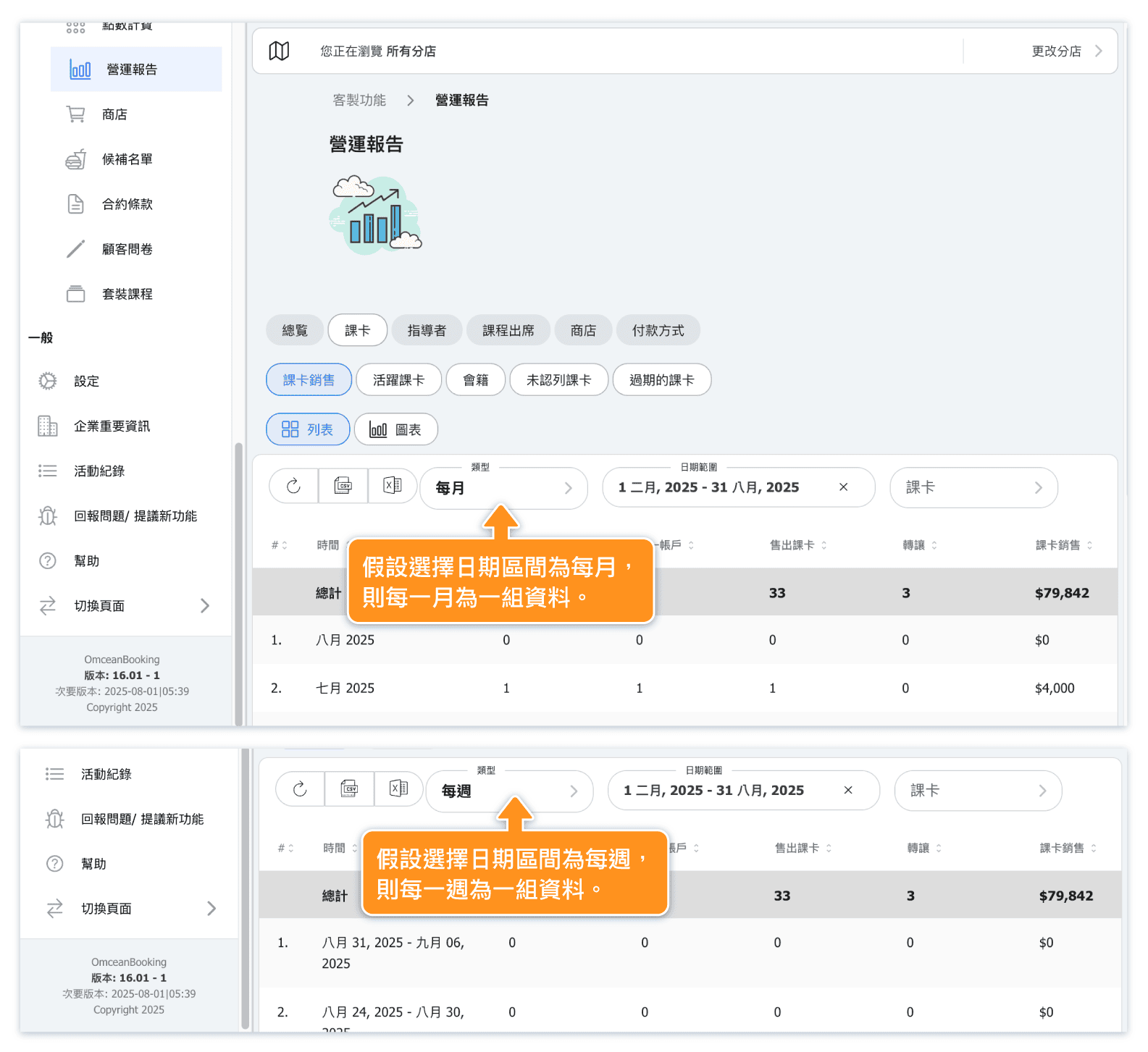
Example of Reports Date Setting Display: