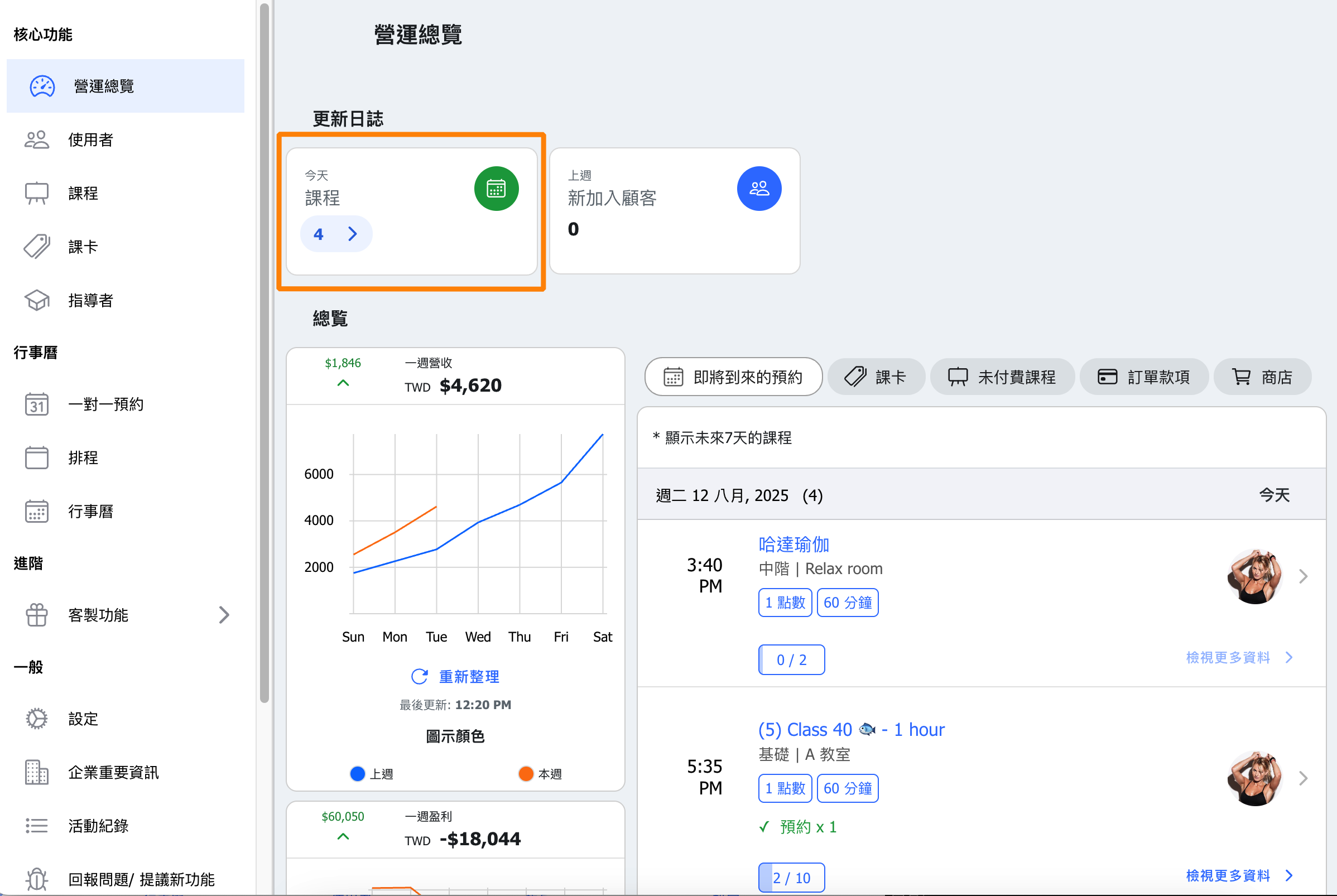
Check Number of Classes for Today
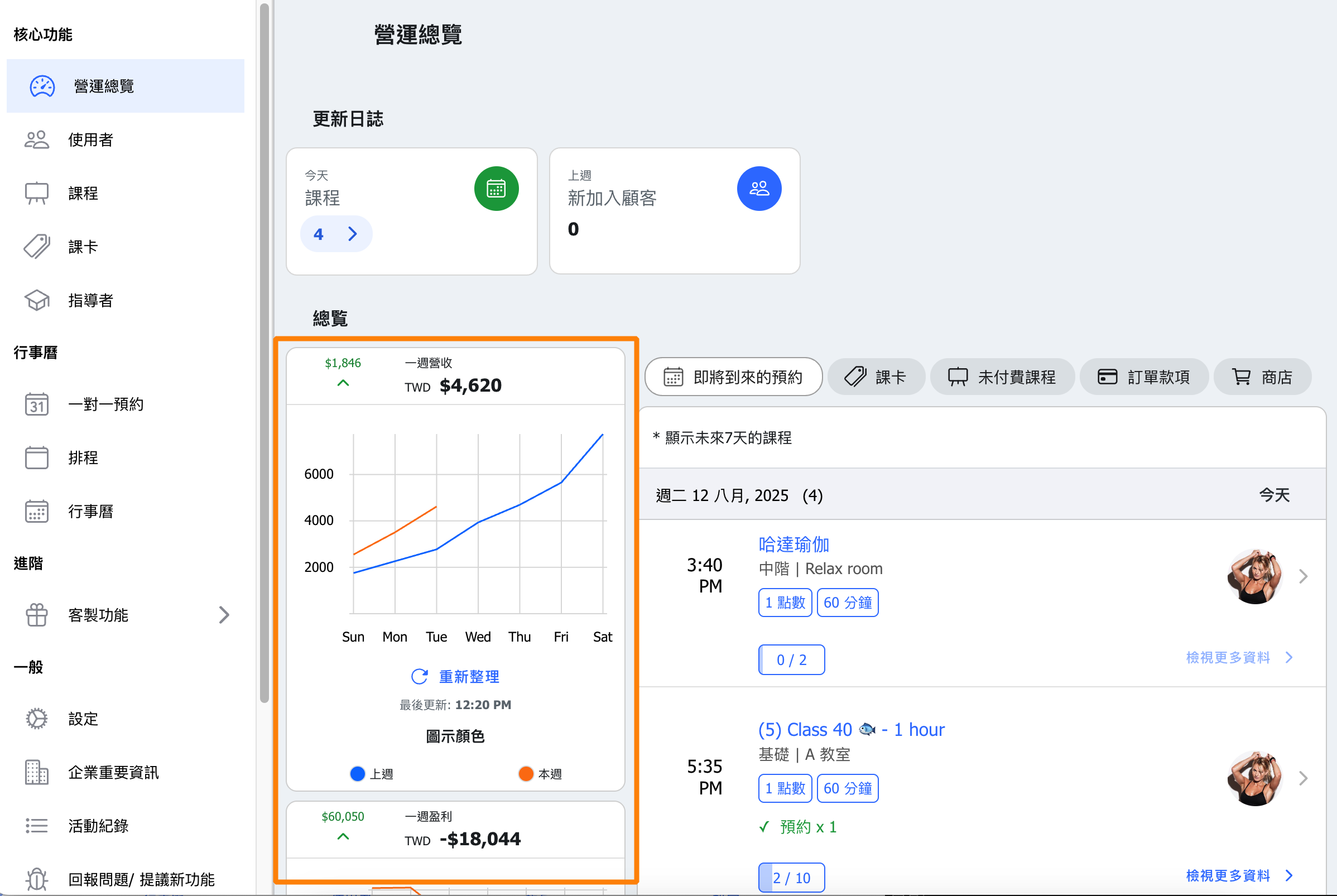
Weekly Revenue and Booking Count Tracking
Data is presented intuitively, enabling managers to quickly grasp weekly revenue status and customer booking activity, supporting timely decision-making.
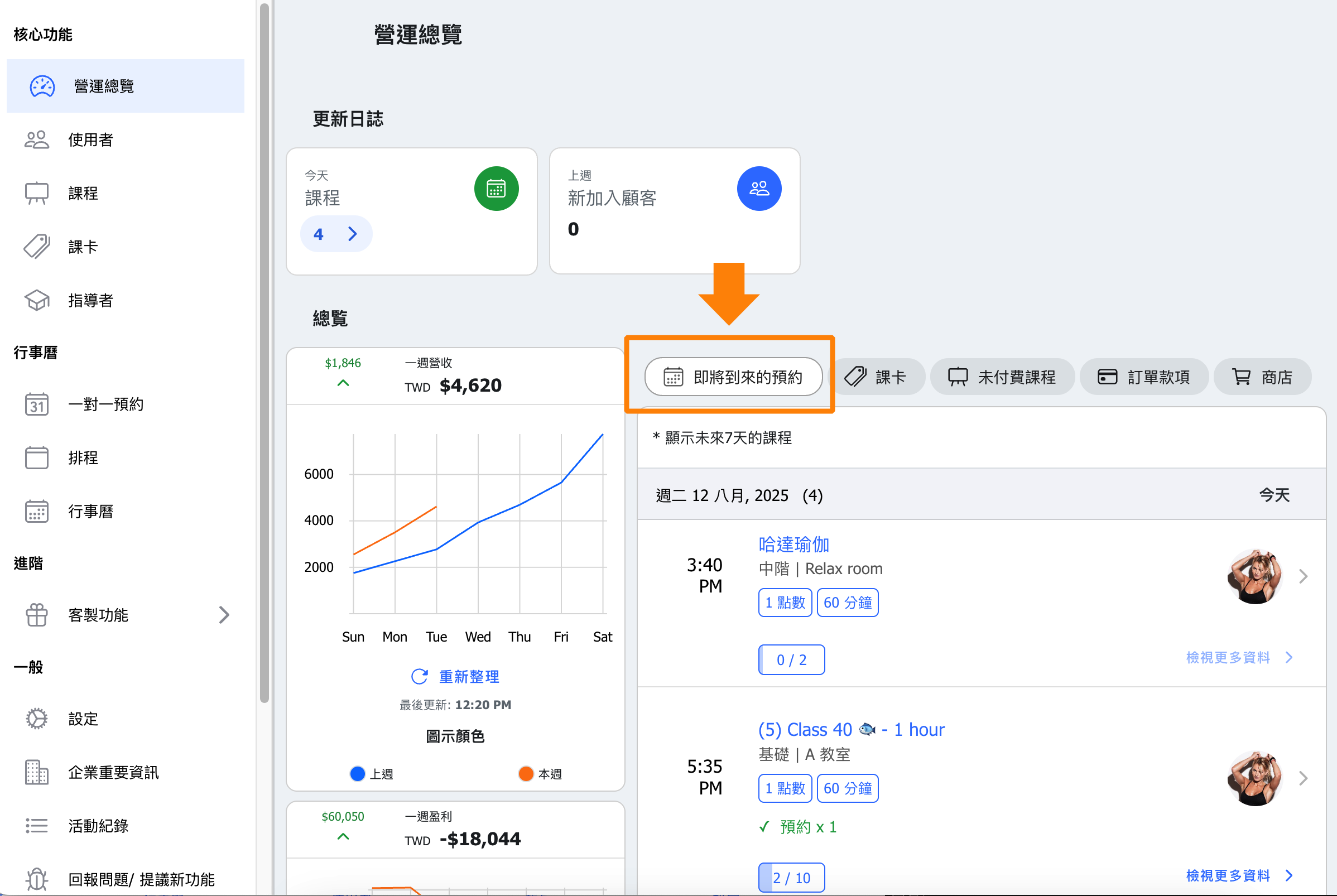
Quick View of Scheduled Courses for the Next 7 Days
Gain real-time insight into upcoming course schedules to prepare equipment or materials accordingly.
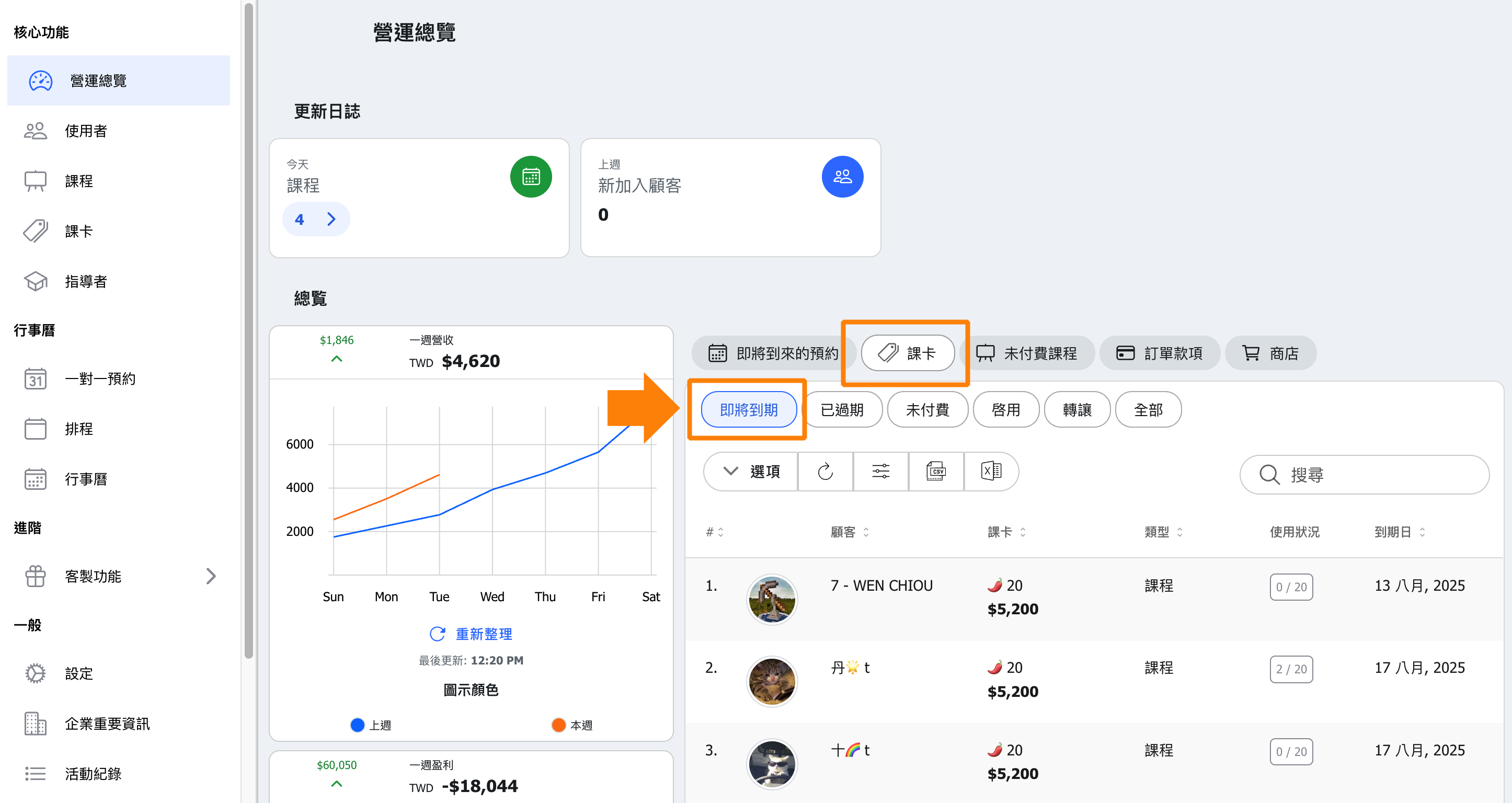
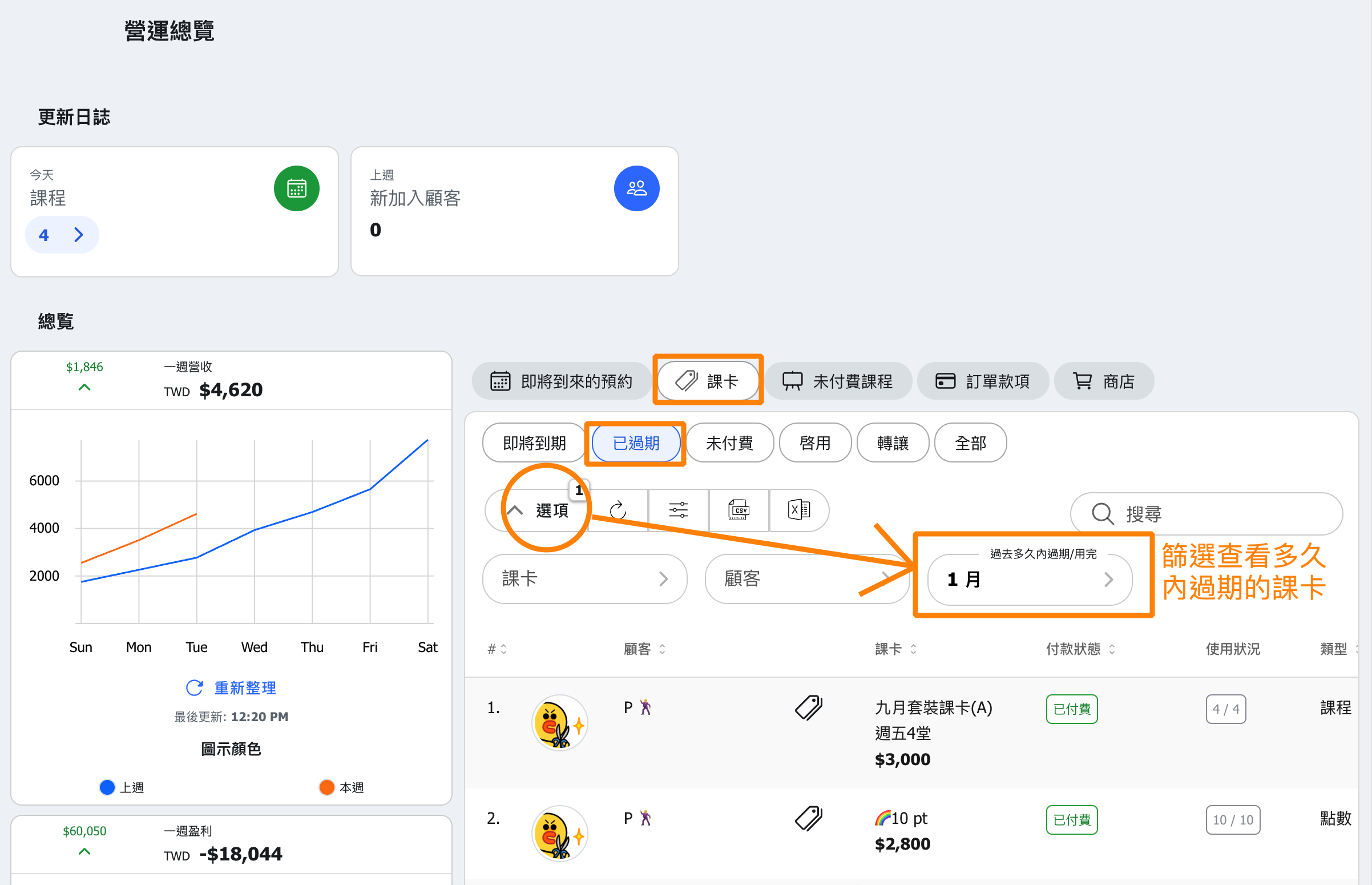
Tracking Expiring Passes
Provides timely reminders to users and managers, encouraging renewals or additional sales opportunities and preventing customer churn.
These can be paired with push notification features to automatically remind customers to renew before their expiration date.
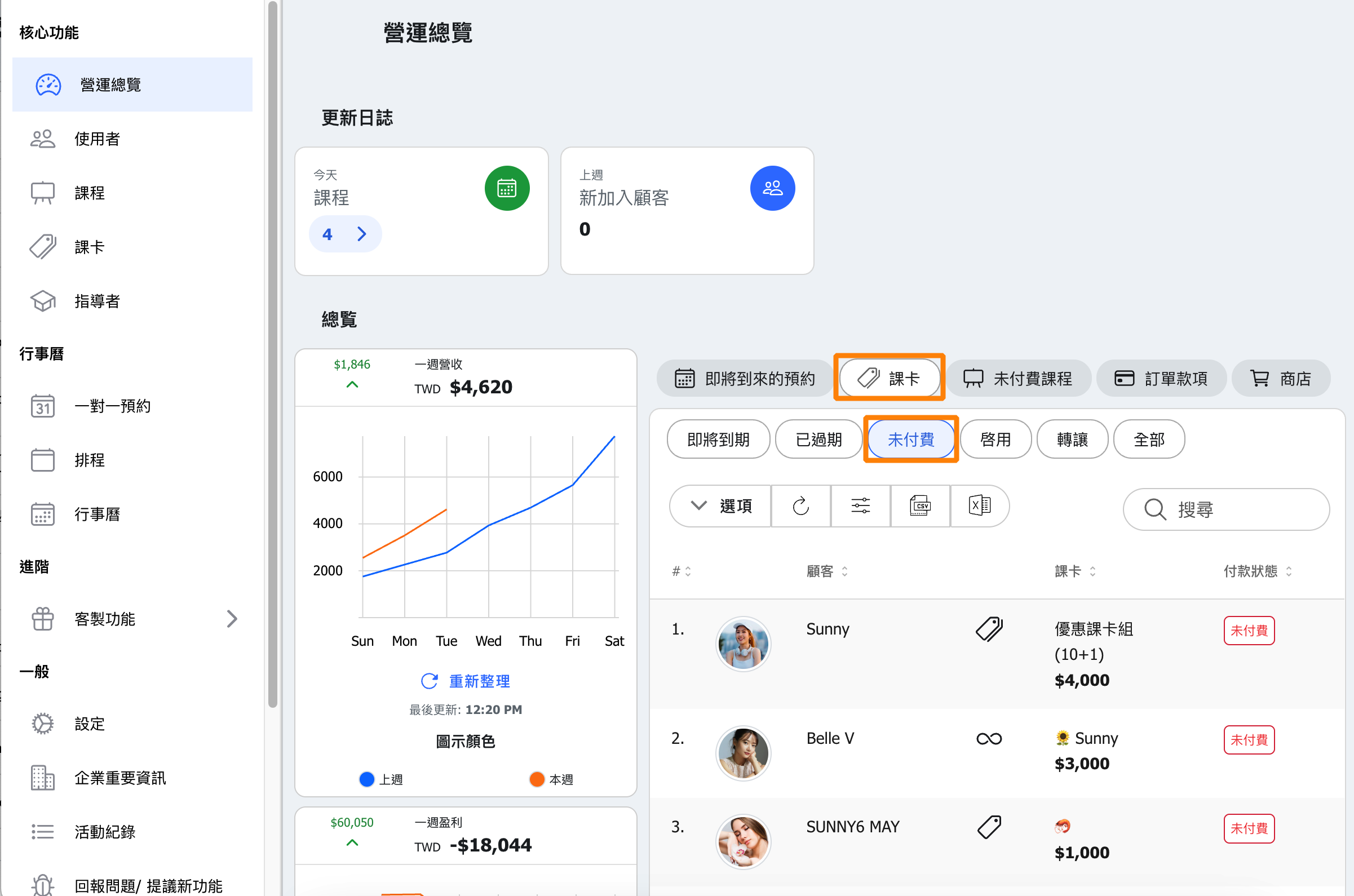
Management of Unpaid Orders
Track orders sent to customers from the admin page that remain unpaid, ensuring smooth cash flow and enabling proactive collection to reduce bad debt risk.
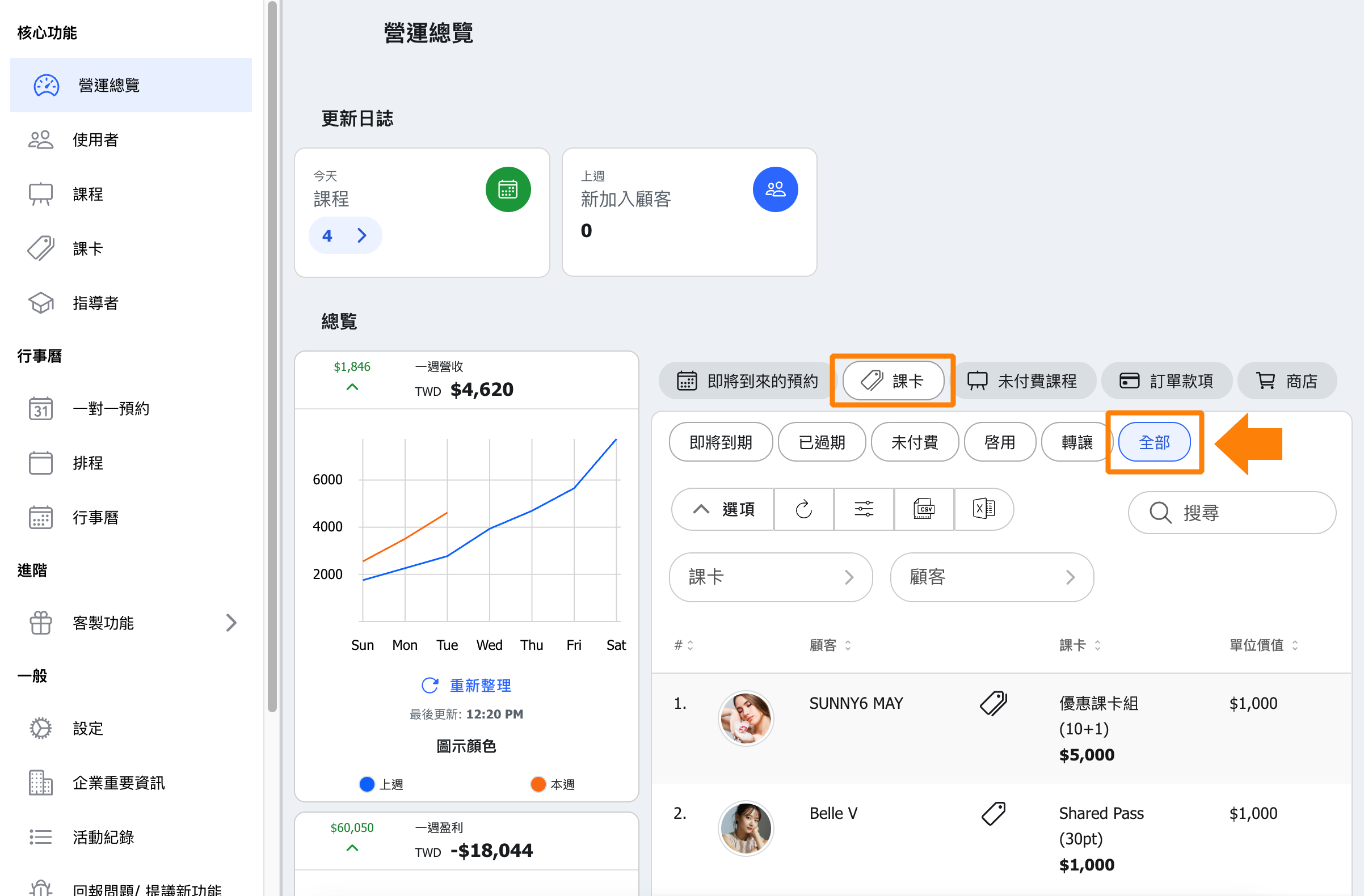
Total Pass Sales Monitoring
Tracks course card sales performance, revealing sales trends and customer purchasing behavior, which aids in marketing strategy adjustments.
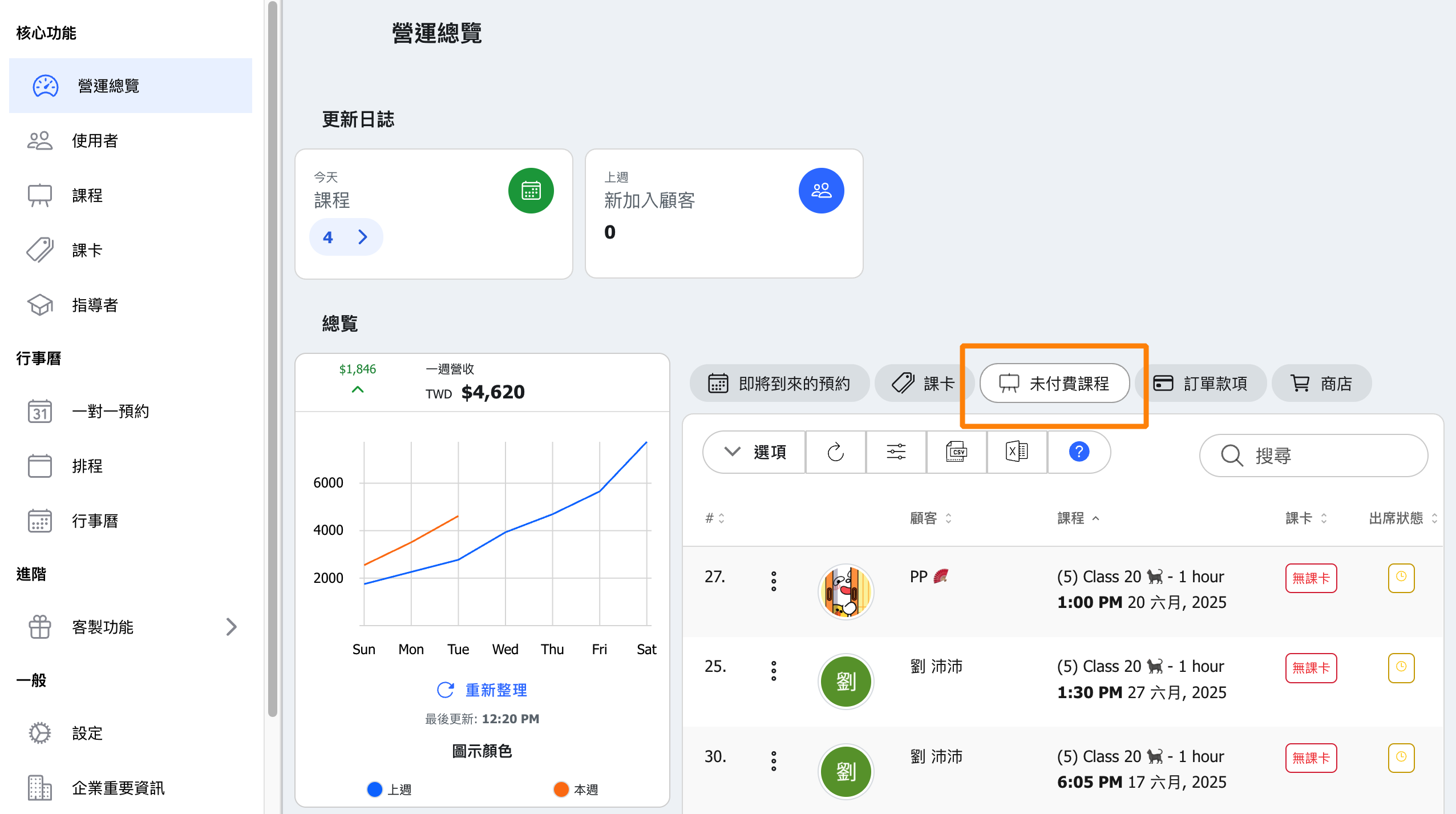
Management of Bookings with Payment Upon Arrival
For loyal customers who book first and pay later, the courses will be marked as unpaid. Here, you can randomly review such bookings to effectively manage the payment collection process.
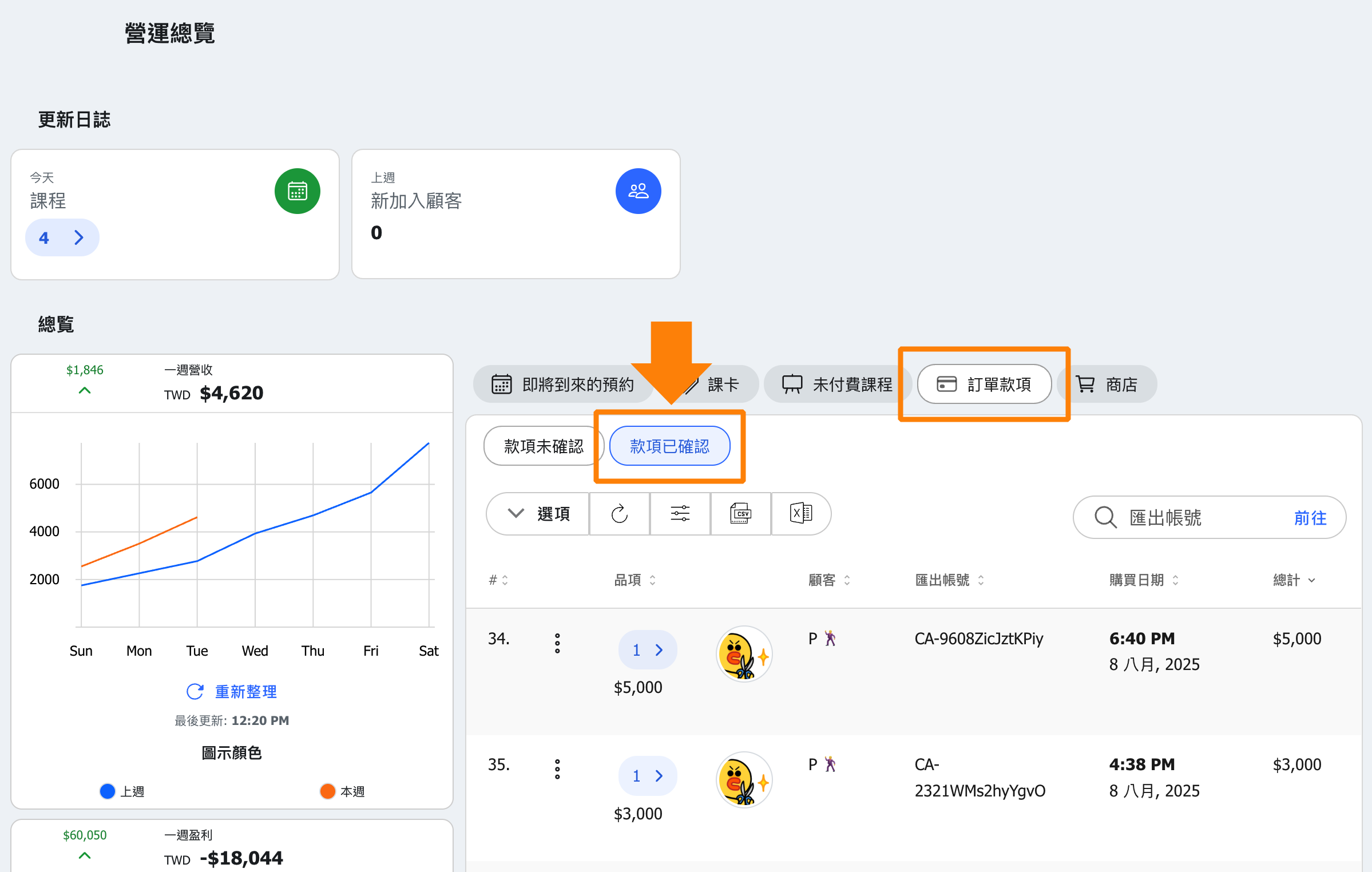
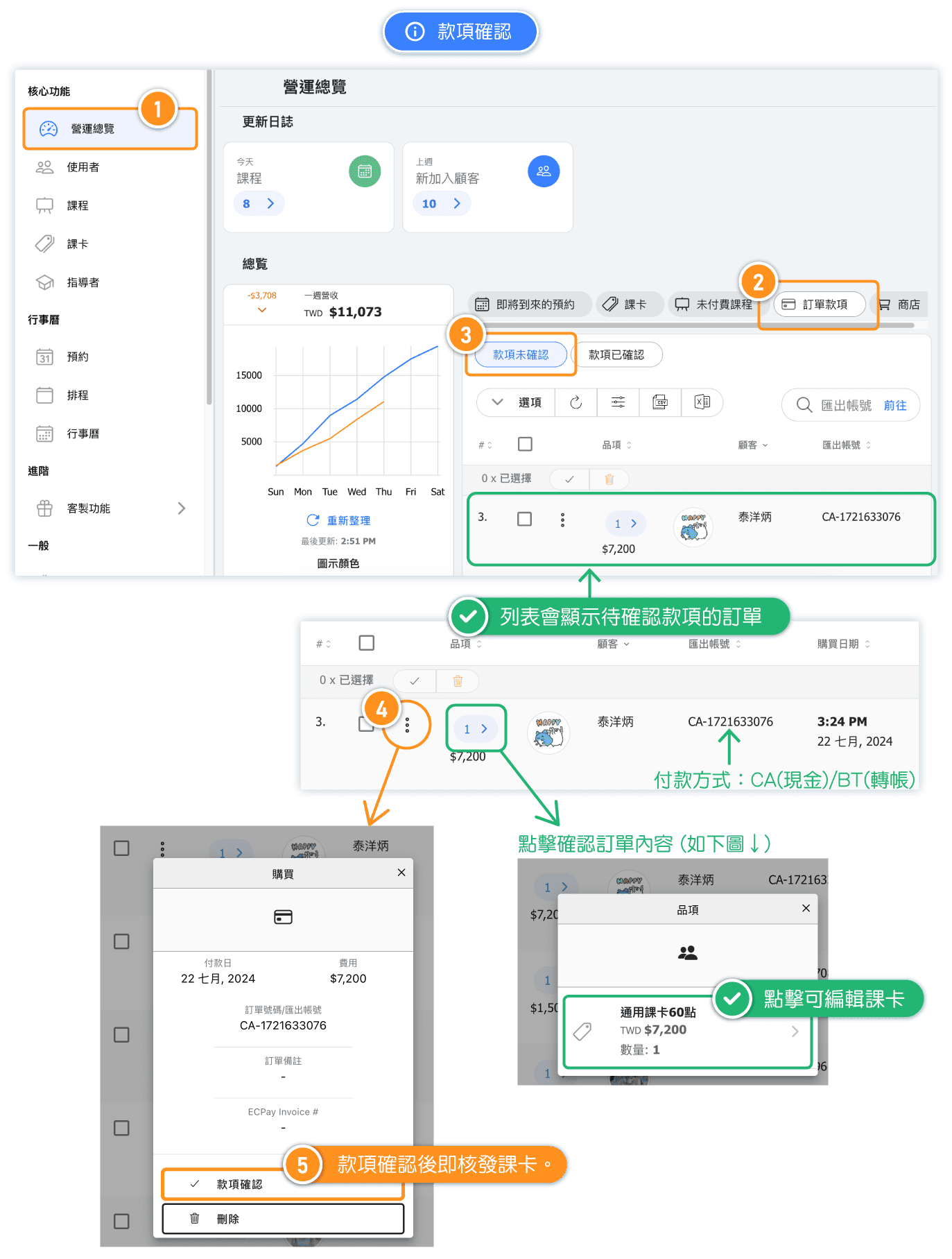
Payment Verification
Confirms actual receipt of payments, ensuring accounting accuracy and supporting financial audits.
Order Management
Includes order inquiries, status updates, and exception handling to maintain transaction integrity and transparency.