Are Free Booking Systems Safe? What to Check Before You Choose | OmceanBooking

by Sarah Chen
· 7 min read
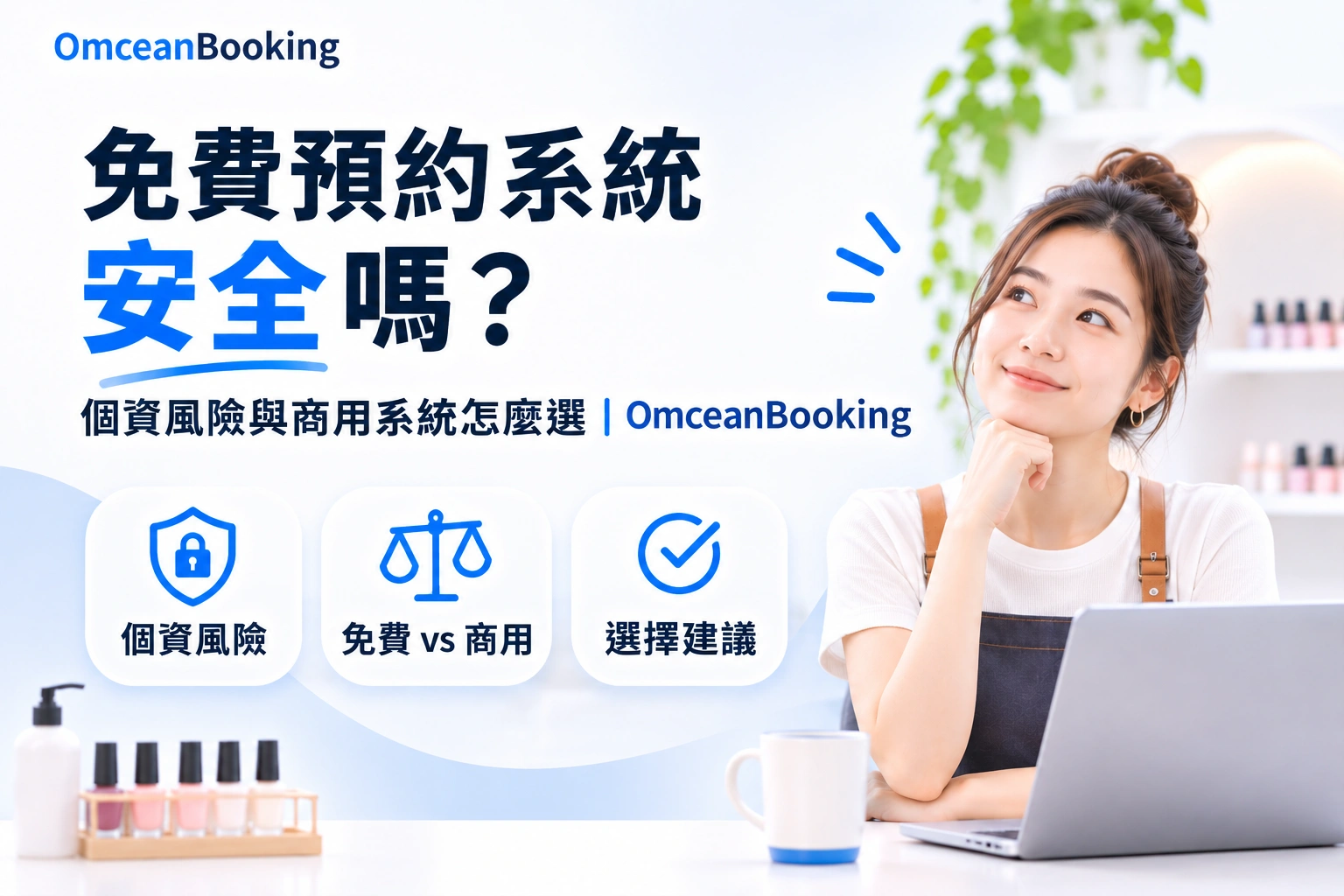
Spend a few minutes on social media and you'll probably see a new booking tool promising "zero cost," "completely free," or "easy deposit collection." If you're opening a solo studio or starting a beauty business on a tight budget, that's an appealing offer.
Before signing up and importing your customer list, take a look at how the provider can offer the service for free. Hosting, notifications, and software maintenance all cost money. The provider's business model affects what you may pay later, what support you can expect, and how your customer data is handled.
Why Are Some Booking Systems Free?
What Should You Check During a Free Trial or Early Access Period?
Some software providers offer free access to attract early users and gather feedback. If the product is still in early access, you may encounter bugs, interruptions, or changes to features you rely on. The provider may also start charging once the product matures.
During the trial, run through a few bookings, cancellations, and deposit payments. Ask how to report a problem and what happens to your account and records if the free offer ends.
How Do Free Booking Platforms Make Money?
Some providers charge for payment processing, paid upgrades, or higher usage. Others may use advertising or marketing to support the service. Check the fee schedule and privacy terms to see how the specific platform operates.
Your customer list is central to running your business. Before importing it, find out how the platform can use customer information, what you can export, and how long you can access it after closing your account.
What Customer Data Risks Should You Check in a Free Booking System?
How Does the Platform Protect Customer Names, Phone Numbers, and Payments?
Customers may enter their name and phone number when booking, then use a credit card to pay a deposit. Check how the platform protects data in transit, who can access customer records, and which provider handles card payments.
Ask about HTTPS, staff permissions, and how the provider protects stored data. If the front desk only needs to reschedule appointments, check whether you can give staff access to those bookings while restricting access to the full customer list and export functions.
What Happens If the Booking System Goes Down or Customer Data Is Exposed?
When your timetable won't load on a busy Saturday, you need to know whom to contact and when you can expect a response. If customer information is exposed, check how the provider investigates the incident, when it will notify your business, and what support it offers afterward.
Read the service terms to see how responsibilities are divided and what remedies are available. If the provider offers a service-level agreement (SLA), check which services it covers, how it measures availability, and when compensation applies. Your team may still need to answer customer questions and handle disruptions at the studio.
When Does a Commercial Booking System Make Sense?
As your business grows, the booking system becomes part of how you manage customers, payments, and staff. When comparing a commercial platform like OmceanBooking, look at how it supports the work your team does today and what will change if you add staff or locations.
Member Data Management: Who Can Access Records, and What Can You Export?
Ask how the provider protects stored data, manages database access, and separates each business's records. Read the terms to see how the provider can use your member information. Then test what your business can export, including member details, upcoming bookings, and payment records.
Reliability and Support: Who Can Help During Business Hours?
Check whether the provider publishes service status information and offers a support channel your team can use during business hours. If a provider quotes 99.9% availability, ask whether that figure describes past performance, a target, or a commitment in the SLA. The distinction matters when you're trying to find out what support or compensation applies during an outage.
Multiple Locations and Reporting: Can the System Grow with Your Business?
If you plan to open another location, check whether the system supports separate schedules, staff permissions, payment allocation, and reports by location. Ask how member records work across branches and what you can export if you switch platforms later. Checking these workflows early helps you estimate the work involved when your business expands.
Free and Commercial Booking System FAQs
Can a Solo Studio Use a Free Booking System Long Term?
Yes. A free plan can cover everyday bookings if you mainly record names, contact details, and appointment times, and can export the records regularly. Once you start taking online deposits, keeping member purchase histories, or sharing booking duties with colleagues, review the plan's payment records, staff permissions, support, and export options.
What Fees Should I Check When Taking Deposits Through a Free Booking System?
Check payment processing fees, any separate platform transaction fee, and how refunds affect those charges. If a nail studio takes 100 deposits of NT$500 each per month, use NT$50,000 in monthly transactions to estimate the fees. Add any subscription and refund charges when comparing plans.
What Should I Check Before Importing My Member List?
Confirm who can access the data, how the platform can use it, and which records your business can export. Along with names and phone numbers, check for upcoming bookings, booking history, and payment status. Ask how long downloads remain available after you end the service, and try exporting a sample list during the trial.
What Terms Should I Read Before an Outage or Data Breach Happens?
Look for the incident reporting channel, support hours, and the provider's commitments on notifications and incident handling. If there's an SLA, check what it covers, how it measures availability, and when compensation applies. A practical question to ask is, "If we can't open our timetable on a Saturday, who do we contact, and when can we expect a first reply?"
Is a Paid Booking System Always Safer?
Assess the provider's safeguards directly. Check encryption in transit, account permissions, backups, and incident reporting. During the trial, sign in with a front-desk account and see whether staff can manage bookings while access to viewing or downloading the full member list stays restricted.
Keeping costs down makes sense when you're starting out. As you collect more customer information and rely on the system for more of your bookings, make sure you know who can access those records and where to turn if something goes wrong. Bring a real booking, a sample member list, and one staff role to your OmceanBooking trial so you can test the setup against the way your business works.
Was this article helpful?